.gif)
.gif)

Generic decks kill pitches
You’re three slides into the pitch when you lose them. The cause? It’s just another generic deck not worth remembering. The design is bland and the story is all too familiar: company overview, broad industry problem, product features, customer logos, next steps. Nothing that hasn’t been presented thousands of times before.
For sales teams, that familiarity is expensive. A generic deck asks the buyer to do the work of translating your story into their world. They have to figure out which pain points apply to them, which capabilities matter to their team, and whether your customer proof has any bearing on their business. If all the onus is on them, then why bother?
However, a tailored sales deck does that work for them.
That doesn’t mean building a bespoke presentation for every meeting. The better model is a system that lets reps customize what matters while keeping everything else consistent. Personalization becomes something the team can learn from instead of a one-time creative exercise.
Say goodbye to stringent layouts
The traditional sales deck was built for control. Marketing or sales enablement created a master presentation. Reps copied it, changed the prospect’s logo on the first slide, maybe edited a few bullets, and went into the meeting. It was easy to manage and easy for buyers to recognize.
A potential fix is deeper customization. Give every account its own presentation, rewrite the story around the prospect, pull in different examples, and rework the slides after discovery.
But there’s another, better option: stop treating the sales deck as one fixed file.
A modular content system gives reps approved pieces they can assemble around the buyer. The core company narrative might stay the same, while the industry context, use cases, customer proof, ROI story, and pricing sections change according to the opportunity. Best of all, you’re not building it from scratch every time.
Beautiful.ai’s shared Team Slides and libraries can give teams a central place for those reusable pieces. Brand controls can keep fonts, colors, logos, and other visual standards consistent while reps change the content.
The rep gets the room they need to sell and enablement keeps control of the parts that shouldn’t change.
Combine a modular approach with AI
A folder full of slides isn’t much of a system. And neither is asking AI to generate a fresh (and likely off brand) sales deck every time someone books a meeting.
The more useful approach combines reusable content with AI-assisted assembly. Start by breaking the sales story into blocks that have a clear purpose:
- Core company and product narrative
- Industry or persona-specific context
- Use-case modules
- Customer stories and proof points
- Pricing, ROI, or business-case content
- Next steps
Notice how those blocks are structured to tailor content to the audience? The exact modules will depend on how your company sells. But, the important part is that each one is reviewed before reps start using it. AI content always needs a human eye before it goes live.
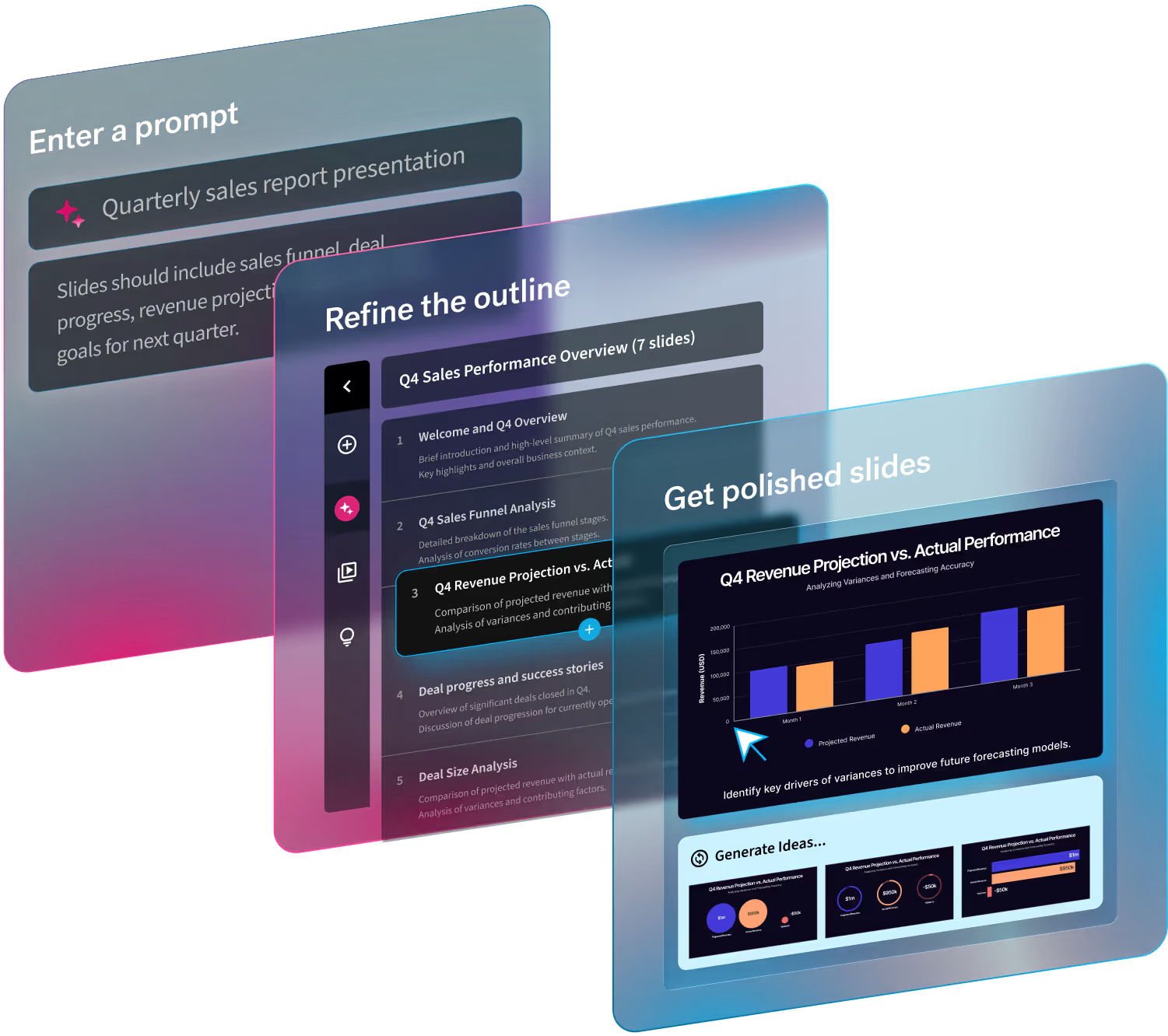
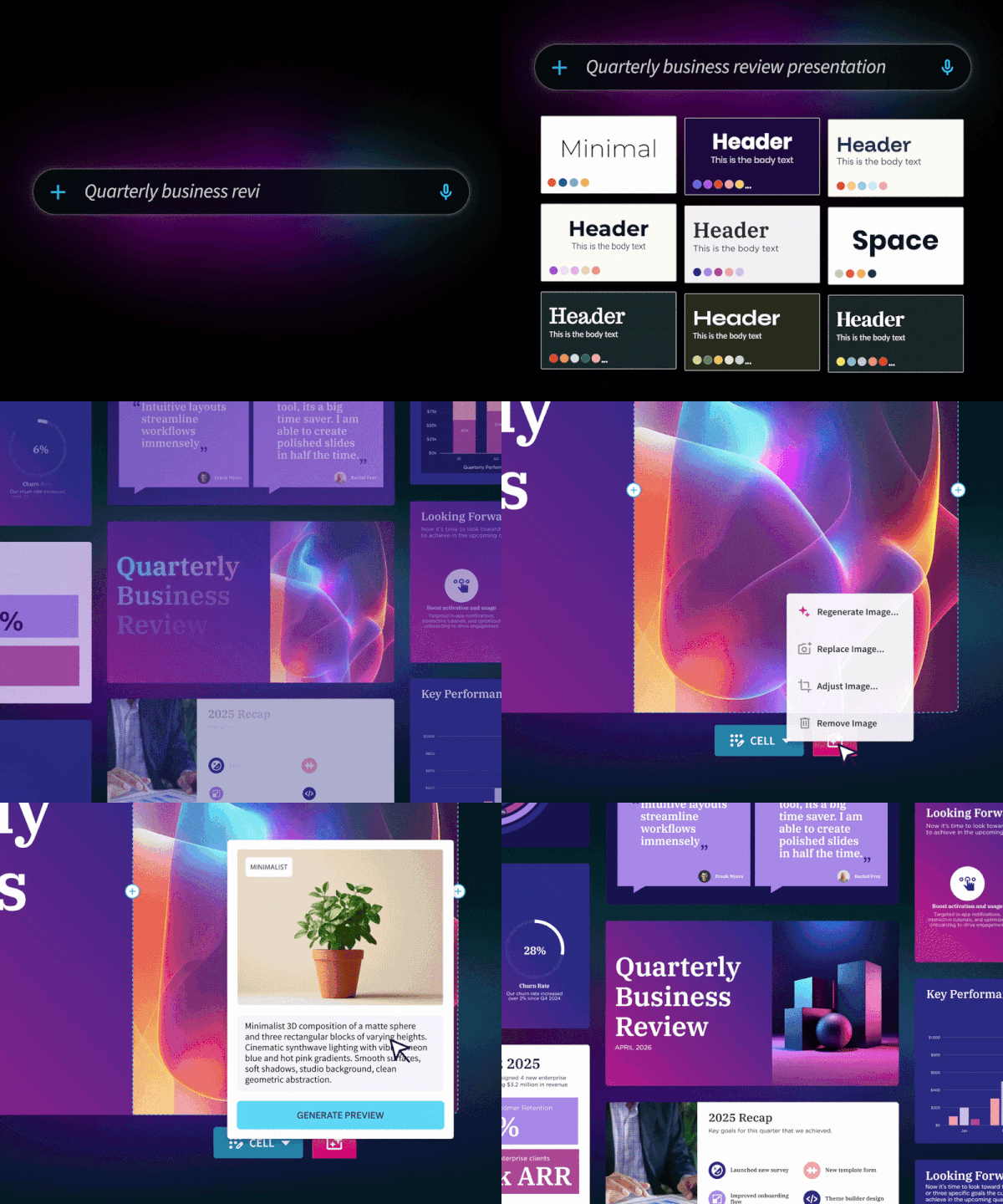
Using Beautiful.ai’s Create with AI Workflow, a rep can start with a prompt, outline, or supporting document, shape the slide-by-slide story, and then generate the presentation. The slides come together without having to manually apply your brand kit and approved assets are ready to access within the product.
The goal isn’t to ask AI what your company should say. Besides, your team should already know how to execute a pitch. Rather, it gets the right approved material into the right story faster.
Personalize content, not fonts
Once personalization gets easier, there’s a temptation to personalize everything. Resist it.
The highest-value personalization usually happens in the substance of the pitch. Start with the buyer’s problem. If an executive cares about reducing operational costs, lead with the business case that answers that concern instead of giving them the same product tour everyone gets.
Industry context deserves similar attention. A healthcare buyer and a retail buyer may use the same product for very different reasons. Relevant customer examples also matter more than sheer volume.
A good operating rule is simple: personalize the argument and standardize the design.
One library, several decks
Marketing or enablement should maintain a central library of approved sales content. That library should include current messaging, customer proof, product content, pricing or ROI material where appropriate, and the modules reps use most often. From there, build a workflow around it.
Start by auditing how reps create decks today. Look at where they spend the most time, what they repeatedly recreate, and which slides tend to get customized. Those patterns tell you what belongs in the shared library. Then turn the strongest material into reusable modules and decide what reps can edit. A customer name or pain point may need to change on every opportunity. But a legal disclaimer? That needs to stay consistent.
Beautiful.ai Team Folders and shared workspaces can house those assets so reps aren't hunting through old presentations for the latest version. For decks that depend on changing figures, Data Linking with Google Sheets can also help keep linked data current instead of requiring someone to update the same number across multiple copies.
The system should make the right behavior easier. If finding and adapting an approved slide takes longer than creating one from scratch, reps will eventually create their own.
Speed is the competitive advantage
After a strong discovery call, you have fresh context and momentum to build on. This is exactly when a relevant follow-up deck can be useful. But it can also be when the traditional customization process gets in the way. Pulling all the relevant information together and formatting a deck by hand becomes a task that’s easy to put off.
A modular workflow compresses that turnaround. Reps can start from the discovery notes, pull in the appropriate approved modules, use AI to draft the account-specific framing, and review the result while the conversation is still fresh.
Speed also changes rep capacity. When every customized deck requires a major production effort, active opportunities compete for preparation time. Reduce that effort and reps have more room to give live deals the attention they deserve.
AI does not (and cannot) replace reps
AI is well suited to the repetitive parts of sales-deck creation. But you can’t remove the human aspect from decisions that require critical, personalized sales judgment.
Reps should review every AI-assisted deck before it reaches the prospect. Check the claims. Remove generic copy. Make sure the emphasis matches what happened in discovery. Look for places where AI filled a gap that should have been answered with actual account knowledge.
Beautiful.ai's workflow supports that back-and-forth instead of treating generation as the end of the process. Teams can refine a draft at the slide level, collaborate on edits, and keep working from the same presentation.
AI can be an amazing tool to leverage. But it’s susceptible to mistakes and can’t always reproduce the concept in your head. Taking the time to review AI-generated sales decks can make all the difference, especially when the risk is hallucinated data or incorrectly spelled prospect names.
Personalization is the new standard
The one-size-fits-all sales deck has a structural problem: it was designed to tell your company's story once, while sales happens one buyer at a time. Going fully custom isn't a sustainable replacement either. Reps shouldn't have to choose between sending a generic deck now and sending a relevant one after hours of work.
With an AI-forward, modular approach to sales deck creation, you can build the reusable pieces once and keep them current. When reps have established clear boundaries for customization, AI steps in to accelerate assembly and first drafts.
For teams ready to move away from the master-deck model, a useful first step is to take the sales presentation you already have and identify which slides truly need to remain fixed and which should become reusable modules. Build that library in Beautiful.ai, then test the workflow on a few real opportunities.
The best sales deck isn't the one your team spent the most time building. It's the one that makes the buyer feel like the conversation was built for them.
Interested in making a change? Try Beautiful.ai free for the first 14 days.

.avif)