


Best Skywork AI alternatives: top 9 in 2026
![Skywork AI alternatives: the top 9 [updated for 2026]](https://cdn.prod.website-files.com/59e16042ec229e00016d3a66/698667de6b583d17e115ebc5_beautiful%20ai%20vs%20skywork%20ai.avif)

Best Skywork AI alternatives: top 9 in 2026
Professionals searching for AI-powered productivity tools face an expanding market of platforms designed to streamline content creation, research, and workflow automation. Skywork AI has emerged as one option in this space, but understanding how it compares to alternatives is essential for making an informed choice. This guide provides a thorough analysis of Skywork AI and highlights nine prominent alternatives, examining their features, strengths, and suitability for different professional needs in 2026.
What is Skywork AI?

Skywork AI is an artificial intelligence platform built to assist users with research, content generation, and document creation. It positions itself as an all-in-one workspace where users can generate text, create summaries, and produce various outputs ranging from documents to presentations. The platform leverages multiple AI models, including options from leading providers, giving users flexibility in how they approach different tasks.
The core value proposition centers on AI-powered content creation with features like intelligent writing assistance, research synthesis, and automated formatting. Skywork AI targets knowledge workers, researchers, marketers, and teams that need to produce polished outputs quickly across various content formats.
The platform serves users who need versatile AI assistance for writing, research, and content production. Its multi-model approach means users can access different AI capabilities based on their specific needs, whether creating business documents, conducting research, or generating marketing materials.
Given the competitive landscape of AI-powered productivity tools, professionals frequently evaluate Skywork AI against other platforms to determine which best fits their workflow requirements, pricing expectations, and feature priorities. The alternatives market includes specialized presentation tools, integrated workspace solutions, and AI assistants with distinct strengths.
Why look for Skywork AI alternatives?
Several factors lead professionals to explore alternatives to Skywork AI, even when the platform offers strong capabilities.
Feature limitations represent one common concern. While Skywork AI supports multiple content types, some users need specialized capabilities for presentation design, advanced data visualization, or multimedia production that require more focused tools. Teams creating high-stakes pitch decks or client-facing presentations often require dedicated design automation and visual polish beyond general-purpose AI platforms.
Workflow mismatch is another consideration. Skywork AI's approach may not align with how certain teams operate. Organizations that rely heavily on real-time collaboration, need deep integration with existing presentation libraries, or require specific template structures might find other platforms better suited to their established processes.
Pricing and free plan constraints also drive users toward alternatives. Skywork AI's pricing structure may not fit every budget, particularly for smaller teams or individual users who need robust features without committing to higher-tier subscriptions. Understanding how different platforms balance free access with premium capabilities helps teams optimize their investment.
Integration requirements factor into the decision as well. Teams embedded in specific ecosystems like Google Workspace or Microsoft 365 may prefer tools with tighter native connections. The ability to export presentations in specific formats, maintain brand consistency across outputs, or connect to existing collaboration platforms often influences platform selection.
Design and template preferences matter significantly for users focused on visual outputs. Those creating presentations, pitch decks, or branded materials may prioritize platforms with stronger design automation, more professional templates, and polished layouts that maintain visual consistency without manual formatting work.
Top 9 Skywork AI alternatives
The alternatives below span different approaches to AI-powered content creation, from specialized presentation software to integrated workspace solutions. Each serves distinct use cases, making them suitable for different teams and professional contexts based on priorities like design automation, collaboration features, or ecosystem integration.
1. Beautiful.ai
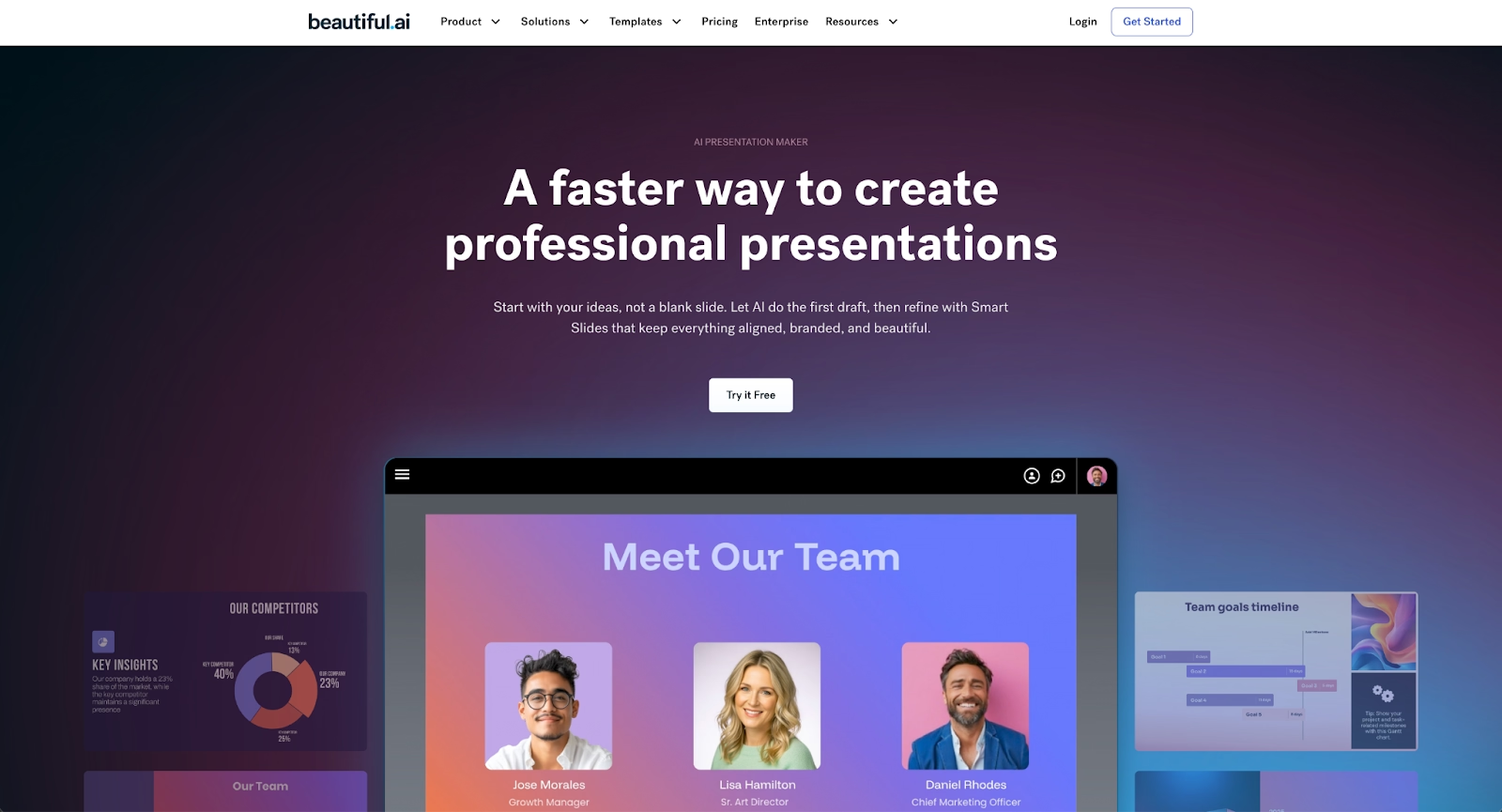
Beautiful.ai is an AI-powered presentation platform that combines intelligent content generation with automated design to deliver professional presentations faster than traditional tools. The platform specializes in creating polished slide decks for business presentations, pitch decks, sales enablement, and marketing materials.
The defining feature is Smart Slides, which automatically handle layout, alignment, spacing, and visual balance as you add or edit content. These Smart Slide layouts apply built-in design logic that maintains professional aesthetics without requiring design expertise. When you add a bullet point, insert an image, or update data, the slide automatically adjusts to preserve visual consistency.
Beautiful.ai's AI features help you skip the blank page entirely. Generate entire presentation drafts from a simple prompt, adding extra context like documents or links to guide the output. The AI creates structured decks complete with relevant content, images, and professionally designed layouts. Every AI-generated deck is built with Smart Slides, so you can move immediately to refining and editing at high speed rather than wrestling with formatting.
Brand control features let you define colors, fonts, logos, and design elements once, then apply them consistently across all presentations. Teams benefit from shared slide libraries, real-time collaboration with commenting, version history, and viewer analytics to track engagement after sharing.
The platform excels at data visualization, transforming spreadsheet data into animated charts and graphs that update automatically when source data changes. Export options include PowerPoint (PPTX), PDF, and web sharing, ensuring compatibility across workflows.
Where Skywork AI emphasizes general-purpose content generation across multiple formats, Beautiful.ai focuses specifically on presentation creation with unmatched design automation. Teams that primarily need professional slide decks, especially those without dedicated design resources, will find Beautiful.ai's specialized approach dramatically more efficient for visual communication.
2. Gamma
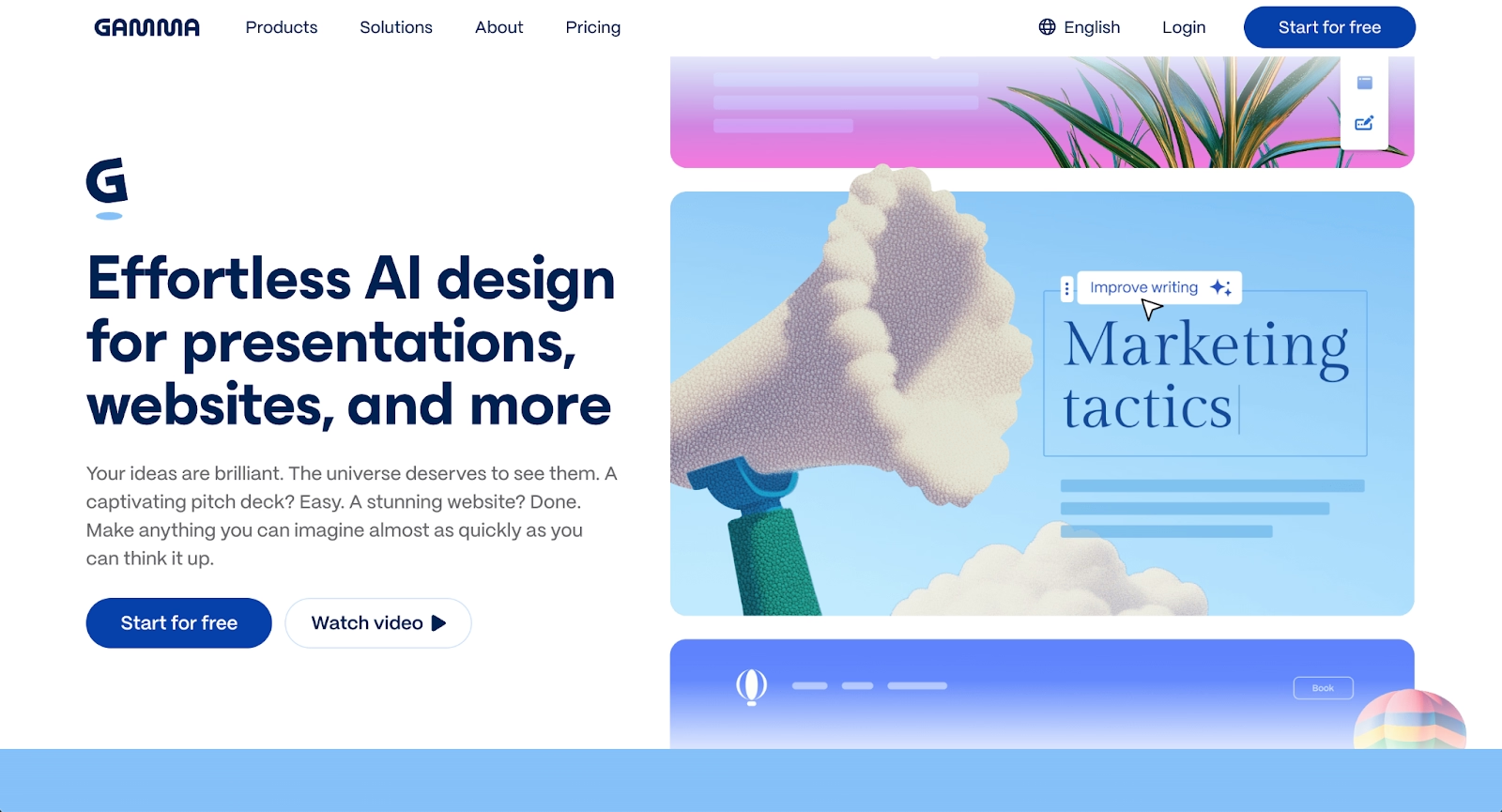
Gamma represents a modern approach to presentation creation with its card-based, scrollable format that feels more like an interactive webpage than traditional slides. The platform uses AI to generate complete presentations from simple prompts, creating structured narratives with content, images, and layouts in minutes.
The AI-first generation process allows users to describe what they need, and Gamma builds it automatically. The platform emphasizes speed and visual appeal, with templates designed for contemporary aesthetics. Embedded content capabilities let you include videos, GIFs, charts, and even live websites directly in your presentations.
Gamma works beautifully for web-native sharing and async communication. Viewer analytics show who opened your deck and how long they spent on each section, providing valuable engagement insights for sales and client communications.
Where Beautiful.ai offers structured Smart Slide layouts with precise design automation, Gamma provides more fluid, card-based scrolling that works exceptionally well in browsers. The trade-off comes in PowerPoint compatibility, where Gamma's unique format may not translate perfectly to traditional slide software.
3. Microsoft Copilot
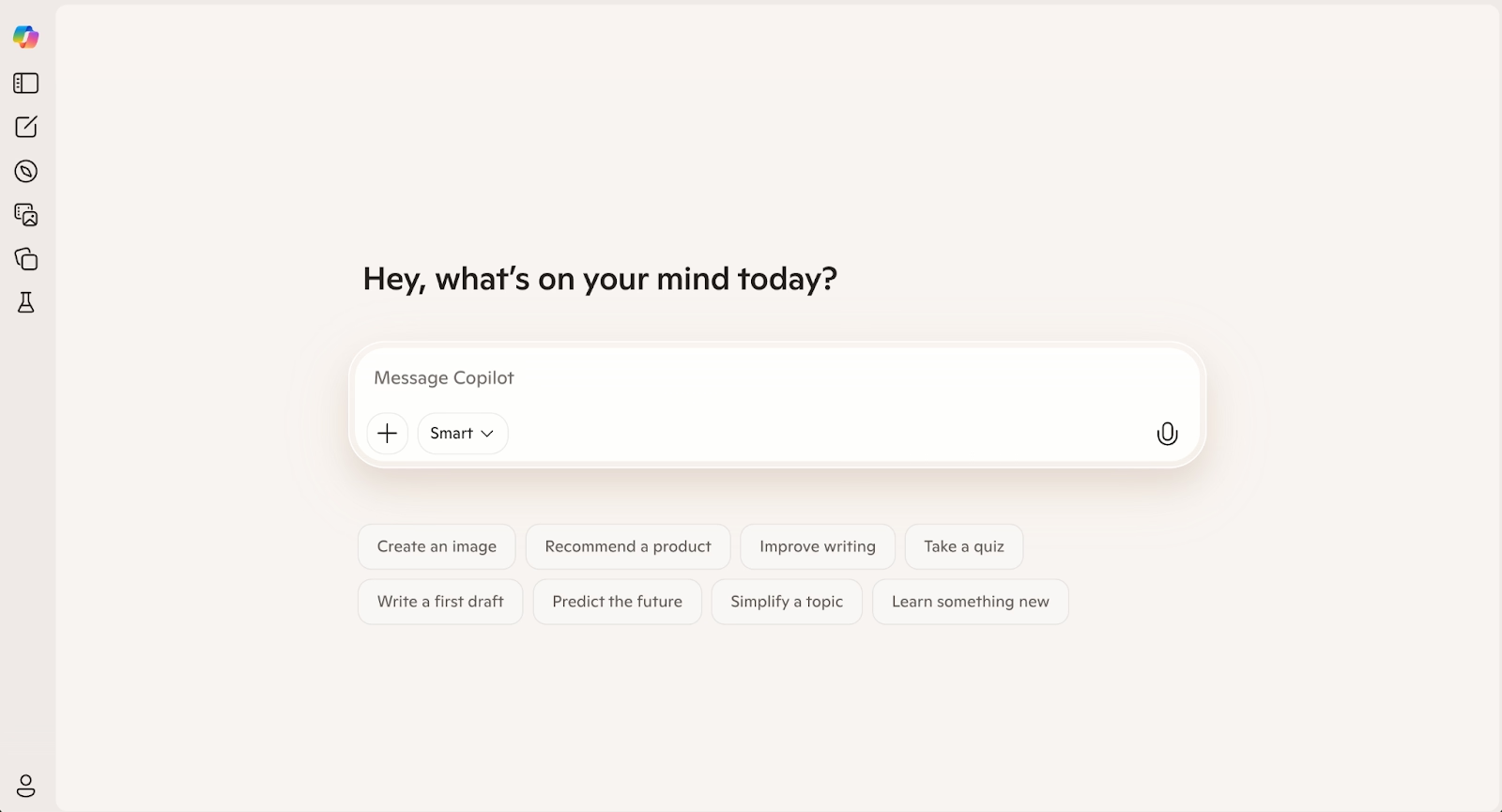
Microsoft Copilot brings AI capabilities directly into the Microsoft 365 ecosystem, assisting with PowerPoint presentations, Word documents, Excel analysis, and other office tasks. For organizations already using Microsoft 365, Copilot adds intelligent assistance without requiring a separate platform.
Copilot can generate PowerPoint presentations from prompts or outlines, create slides from existing Word documents, and help structure narratives. It works within PowerPoint's familiar interface, applying your existing themes and maintaining compatibility with all PowerPoint features.
The integration advantage is significant for enterprises embedded in Microsoft's ecosystem. Copilot accesses your organization's content, understands context from emails and documents, and works across the entire Microsoft suite seamlessly.
Compared to Skywork AI's standalone approach, Copilot functions as an embedded assistant within existing workflows. The limitation is that it requires Microsoft 365 subscriptions and works best for teams already committed to that ecosystem.
4. Presentations.ai
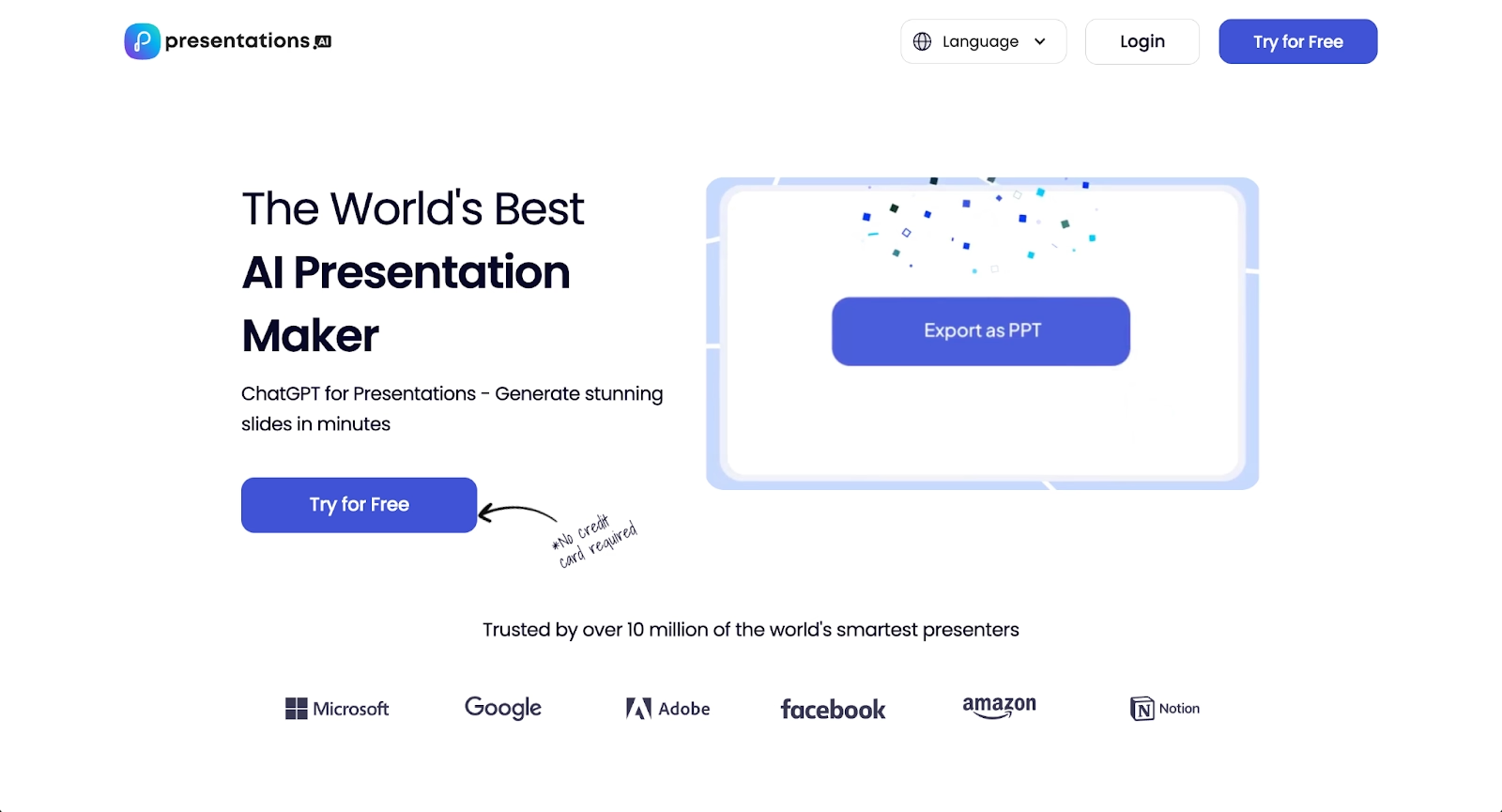
Presentations.ai takes a conversational approach to presentation creation, letting you describe what you need in natural language and watching the AI build it. The interface feels like chatting with an assistant rather than using traditional presentation software.
The "Brand Sync" feature learns your style preferences over time, attempting to maintain visual consistency across presentations. This approach works well for users who need to generate many presentations quickly and prefer natural language interaction over template selection.
Presentations.ai emphasizes speed, delivering first drafts rapidly from text descriptions. The platform handles multiple content types including infographics and charts, making it versatile for different communication needs.
The trade-off is that editing capabilities within the platform are more limited than dedicated presentation tools. Users often generate content in Presentations.ai then refine it elsewhere, which may not suit teams needing end-to-end creation in one tool.
5. Pitch

Pitch is a modern presentation platform designed specifically for team collaboration, with real-time editing, beautiful templates, and workflow tools built for distributed teams. The platform emphasizes professional design with curated templates optimized for pitch decks, sales presentations, and business communications.
AI features in Pitch help with slide creation and content suggestions, though the platform's strength lies more in its collaboration capabilities than AI generation. Multiple team members can work simultaneously, commenting and refining presentations together in real-time.
The template library focuses on business use cases, particularly startup pitches and sales materials. Integration with analytics tools and video meeting platforms makes Pitch valuable for teams that present frequently and need to track engagement.
Pitch excels at maintaining brand consistency across teams with shared templates and design systems. Version history and approval workflows help larger organizations manage presentation quality and messaging control.
6. Prezi

Prezi offers a fundamentally different presentation approach with its non-linear, zoomable canvas. Instead of advancing through sequential slides, Prezi presentations zoom between topics on a spatial layout, creating dynamic movement that can make complex concepts more engaging.
This format works exceptionally well for storytelling and conceptual presentations where relationships between ideas matter. The zooming motion adds visual interest and helps audiences understand how topics connect within a broader framework.
Prezi supports video integration, voice-over recording, and analytics to track viewer engagement. The platform offers templates designed for its unique format, though creating effective Prezi presentations requires rethinking traditional slide structure.
While Prezi doesn't emphasize AI generation like newer platforms, its distinctive approach to visual communication fills a specific niche. Teams presenting complex systems, strategic overviews, or educational content often find Prezi's spatial approach more effective than linear slides.
7. Visme
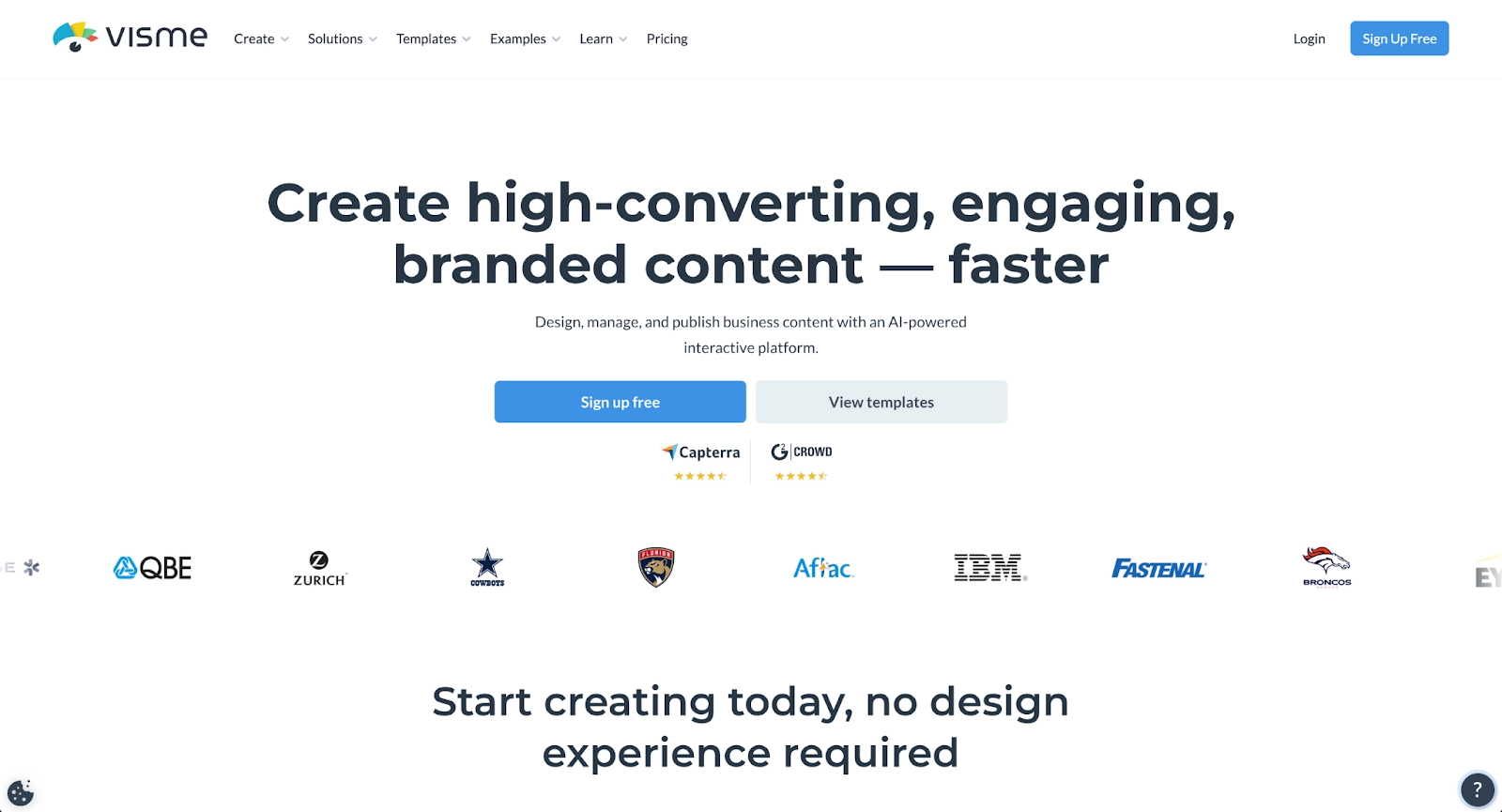
Visme functions as an all-in-one visual content platform supporting presentations, infographics, documents, social graphics, and videos. The platform's strength lies in advanced data visualization capabilities and interactive elements.
For presentation creation, Visme offers an AI generator that creates drafts from prompts, plus extensive customization options for users who want design control. The template library spans multiple content types, making Visme versatile for teams producing varied visual communications.
Data visualization tools in Visme go deeper than most presentation platforms, with customizable charts, graphs, and infographics that handle complex datasets effectively. Interactive elements including animations, hover effects, and clickable content add engagement beyond static slides.
Brand Kit features ensure visual consistency, and collaboration tools support team workflows. Export options include PDF, PNG, HTML5, and video formats, providing flexibility for different distribution needs.
8. Plus AI
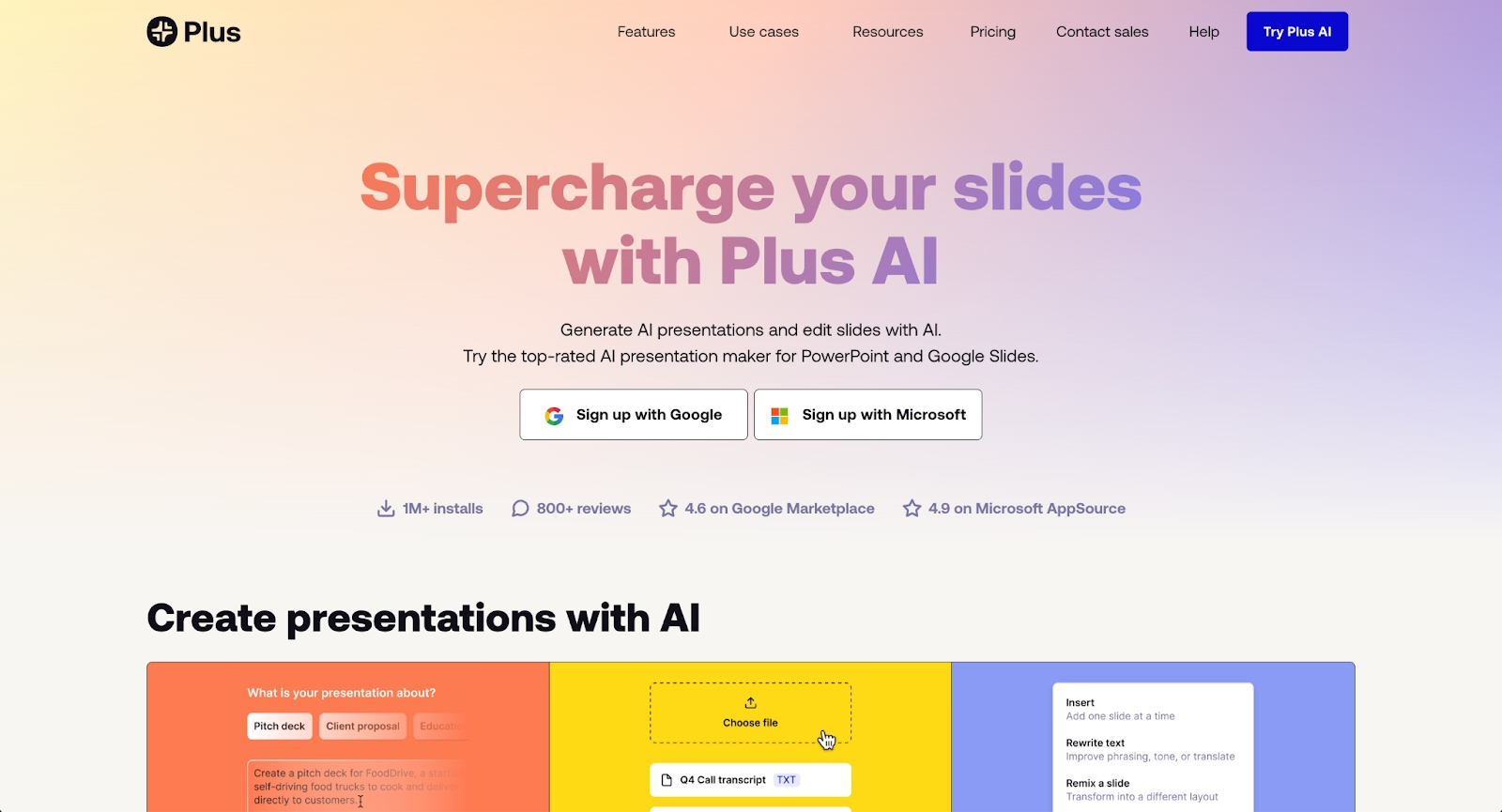
Plus AI works as a native add-on for Google Slides and PowerPoint, bringing AI capabilities directly into the tools many teams already use. Rather than learning a new platform, Plus AI enhances your existing presentation software with intelligent assistance.
The standout feature is Live Snapshots, which pull real-time data from websites or dashboards and automatically update slides. For teams sharing regular performance metrics, this eliminates manual data entry and ensures presentations always reflect current information.
Plus AI handles large prompts, up to 100,000 characters, allowing detailed context for generation. The platform can create presentations from full documents, generate individual slides, suggest edits, and help with revisions all within Google Slides or PowerPoint.
Multi-language support makes Plus AI valuable for global teams. The native integration means no new interface to learn and no compatibility concerns when sharing presentations.
9. Google Slides
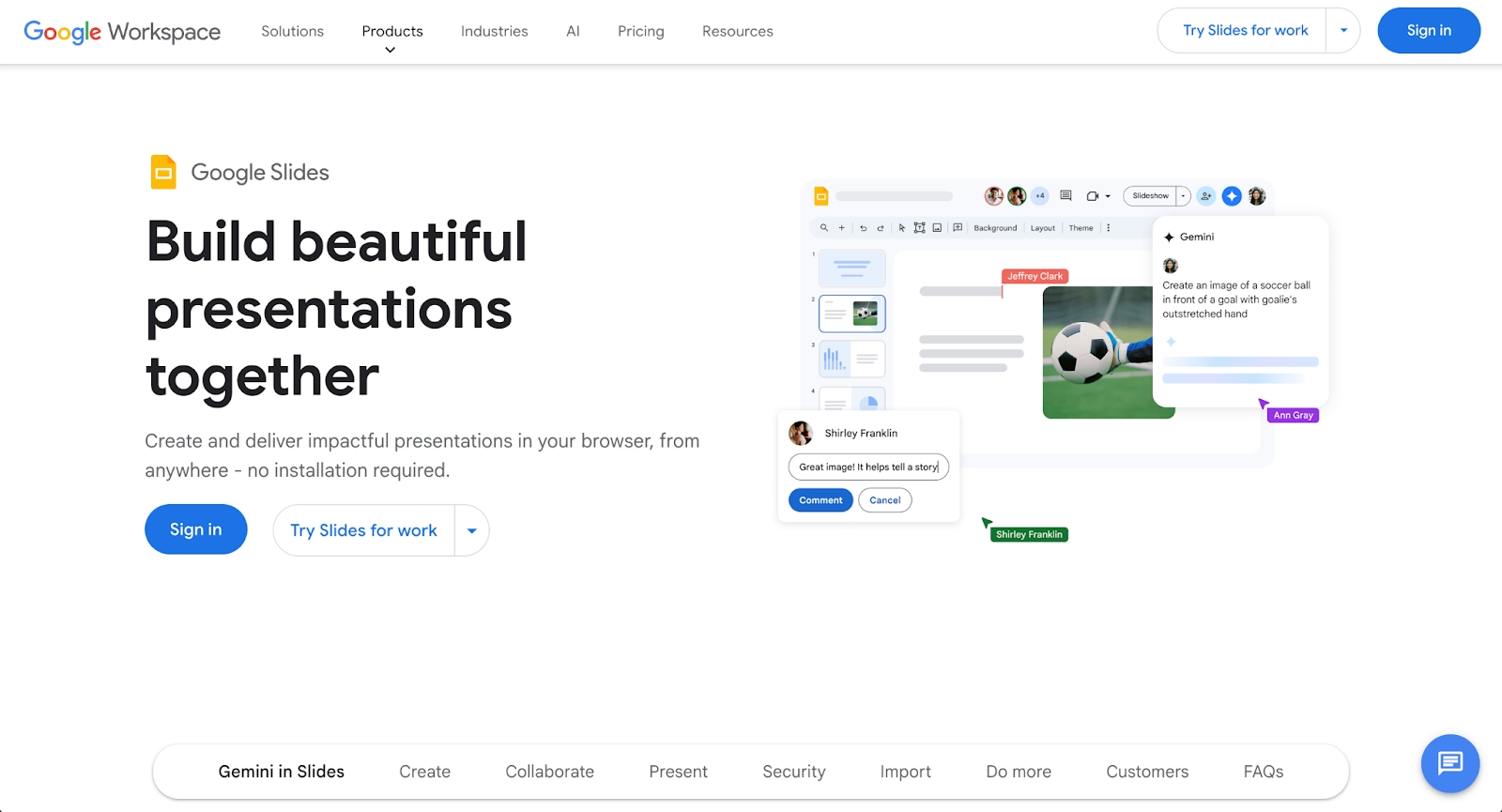
Google Slides remains one of the most widely used presentation platforms, known for accessibility, real-time collaboration, and seamless integration with Google Workspace. The cloud-based tool allows teams to create, edit, and share presentations from any device.
The addition of Google's AI capabilities through Gemini has significantly enhanced Slides' functionality. AI features can generate slides from prompts, suggest layouts, create images, and help refine content directly within the familiar Slides interface.
Google Slides excels at collaboration with simultaneous editing, commenting, version history, and instant sharing. Integration with Google Drive, Docs, and Sheets makes it natural for teams already using Google's productivity suite.
The platform offers a generous free tier with core features, making it accessible for individuals, students, and budget-conscious teams. While design automation doesn't match specialized tools like Beautiful.ai, Slides provides solid functionality for straightforward presentations.
Key comparison criteria
Evaluating Skywork AI alternatives requires examining several factors that influence how well each platform fits specific professional needs. The following criteria help teams make informed decisions based on their priorities, whether that's design quality, collaboration features, or AI capabilities.
AI features
AI capabilities vary significantly across platforms, affecting how quickly you move from concept to finished presentation. Beautiful.ai's AI features generate complete presentation drafts from prompts, creating structured decks with relevant content, images, and professionally designed layouts. The AI can also generate individual slides, images, and text to help refine existing presentations.
Gamma emphasizes rapid AI generation with its card-based format, while Microsoft Copilot leverages organizational context within the Microsoft ecosystem. Presentations.ai uses conversational AI that feels like chatting with an assistant, and Plus AI brings intelligent assistance directly into Google Slides and PowerPoint.
The key distinction is between platforms that use AI primarily for content generation versus those like Beautiful.ai that combine AI ideation with automated design systems. Consider whether you need AI to create initial drafts, help with specific slides, or provide ongoing design automation as you edit.
Ease of use
Interface design and learning curve affect how quickly teams become productive. Beautiful.ai offers an intuitive experience where Smart Slide layouts handle formatting automatically, letting you focus on content rather than design mechanics. The platform requires minimal onboarding because design rules are built into every template.
Google Slides and PowerPoint provide familiar interfaces for users who've worked with traditional presentation software, though they require more manual formatting work. Gamma's card-based approach and Prezi's zoomable canvas require learning new presentation paradigms.
Plus AI reduces learning curves by working within tools teams already use, while Presentations.ai's conversational interface appeals to users comfortable with chatbot-style interactions. Evaluate how quickly your team can move from installation to finished presentations when comparing platforms.
Design quality and templates
For professional presentations, template quality and design automation matter significantly. Beautiful.ai leads in automated design with Smart Slides that maintain visual consistency, professional spacing, and polished layouts automatically. The platform applies design best practices in real-time as you edit, ensuring every presentation looks professionally designed.
Pitch offers curated templates specifically for business use cases, particularly pitch decks and sales presentations. Gamma provides modern, web-friendly aesthetics, while Visme delivers extensive customization for users who want design control.
Microsoft Copilot and Google Slides work within their respective platforms' template libraries, offering solid options without the specialized design automation of dedicated presentation tools. Prezi's templates support its unique zoomable format.
Teams without design resources benefit most from platforms with strong automation, while design-savvy teams may prefer tools offering more manual control. Consider whether your priority is speed and consistency or customization flexibility.
Collaboration
Team collaboration requirements influence platform selection significantly. Beautiful.ai includes real-time editing where multiple team members can work simultaneously, plus commenting for feedback, version history for tracking changes, and shared slide libraries for template management.
Google Slides excels at collaboration with Google Workspace integration, instant sharing, and simultaneous editing. Pitch built its entire platform around team workflows with real-time collaboration, approval processes, and commenting systems.
Plus AI works within existing collaboration features of Google Slides and PowerPoint, while Presentations.ai and Gamma offer sharing and commenting capabilities suited to smaller teams. Visme supports team workflows with brand kits and shared asset libraries.
Evaluate whether your team needs real-time co-editing, approval workflows, centralized template libraries, or simply the ability to share and comment on presentations asynchronously.
Export and integrations
Export formats and integrations determine how well a platform fits into existing workflows. Beautiful.ai exports presentations as fully editable PowerPoint files (PPTX), PDF documents, and web links, ensuring compatibility with any workflow. The platform integrates with Slack, Salesforce, Dropbox, and other business tools.
Microsoft Copilot works natively within PowerPoint, while Plus AI functions as an add-on for Google Slides and PowerPoint. Google Slides exports to PowerPoint format, though formatting may require adjustments.
Gamma's web-first approach means PowerPoint exports may lose some formatting, while Prezi's unique format doesn't translate directly to traditional slides. Visme offers exports in PDF, PNG, HTML5, and video formats.
Consider which formats your stakeholders require, whether you need PowerPoint compatibility for external sharing, and how important integrations with your existing tool stack are to your workflow.
Pricing
Pricing structures vary from generous free tiers to subscription models with different feature levels. Beautiful.ai offers a free 14-day trial with full access, then subscription plans starting at $12/month for individuals and $40/user/month for teams with advanced collaboration features.
Google Slides provides free access with basic features, while Microsoft Copilot requires Microsoft 365 subscriptions. Gamma uses a freemium model with credits, Pitch offers free plans for small teams, and Presentations.ai has limited free presentations before requiring paid subscriptions.
Plus AI uses subscription pricing per user with no free plan, while Visme and Prezi offer free tiers with limited features. Evaluate total cost relative to features you'll actually use, how pricing scales with team growth, and whether free plan limitations affect your needs.
Quick comparison snapshots
These head-to-head comparisons highlight practical differences between Skywork AI and select alternatives, clarifying which platform best fits specific needs and workflow priorities.
Beautiful.ai vs Skywork AI
Beautiful.ai and Skywork AI serve fundamentally different purposes, though both leverage AI to accelerate content creation. Beautiful.ai specializes exclusively in presentation creation with a powerful combination: AI generates initial drafts from prompts, then Smart Slide layouts automatically handle all design and formatting as you refine content.
Skywork AI offers broader capabilities across content types including documents, research synthesis, and general writing assistance. It provides versatility for varied content creation but lacks Beautiful.ai's specialized design automation for presentations.
Choose Beautiful.ai when your primary need is creating professional presentations quickly and consistently. The platform delivers polished visual outputs without design skills required. Choose Skywork AI for general-purpose AI assistance across multiple content formats beyond presentations.
Gamma vs Skywork AI
Gamma focuses on rapid AI-generated presentations with a modern, web-first card-based format that feels more like interactive web content than traditional slides. Its AI creates complete presentations quickly with contemporary aesthetics and strong viewer analytics.
Skywork AI takes a broader approach to content creation, supporting documents and research alongside presentations. It offers more versatility across content types but less specialization in visual design and presentation-specific features.
Choose Gamma for fast, web-native presentations where you value modern aesthetics and engagement tracking. Choose Skywork AI for versatile content creation across formats with AI assistance for writing and research tasks.
Microsoft Copilot vs Skywork AI
Microsoft Copilot integrates AI capabilities directly into the Microsoft 365 ecosystem, assisting with PowerPoint, Word, Excel, and other applications without requiring a separate platform. It leverages organizational context and works within familiar Microsoft tools.
Skywork AI operates as an independent platform with its own workspace and content creation approach. It provides platform independence but requires learning a new tool and working outside existing Microsoft workflows.
Choose Copilot for organizations embedded in Microsoft 365 who want AI assistance without changing their workflow or adopting new platforms. Choose Skywork AI for platform independence and versatile content creation outside specific ecosystems.
Conclusion
For presentation-focused work, Beautiful.ai delivers unmatched design automation combined with AI generation, ensuring every deck looks professionally designed without manual formatting. Marketing teams, sales professionals, and anyone creating business presentations benefit from its specialized approach that combines speed with visual polish.
Teams prioritizing collaboration within existing ecosystems may prefer Microsoft Copilot, Google Slides, or Plus AI for their native integrations. Organizations seeking modern web-first presentations find value in Gamma's card-based format and viewer analytics. Pitch serves collaborative teams with professional templates, while Prezi offers unique non-linear storytelling.
The right choice depends on your primary use cases, existing tool stack, team collaboration needs, and budget constraints. Evaluate each platform against your specific workflow requirements rather than seeking a universal "best" option. Whether you prioritize automated design quality, rapid AI generation, ecosystem integration, or specialized features like data visualization, one of these platforms will support your professional needs effectively.
Consider starting with free trials to test platforms in your actual workflow. Beautiful.ai's 14-day free trial provides full access to experience how AI generation combined with Smart Slide automation accelerates presentation creation. The combination of intelligent design and AI assistance represents the future of professional presentation software, helping you focus on your message while the technology handles the visual execution.
Why customers are switching to Beautiful.ai
Beautiful.ai is an AI-powered presentation platform that helps teams create polished, on-brand slides in a fraction of the time, without design skills or manual formatting.
- Design automation built in. Whether you're building pitch decks, reports, or internal presentations, Beautiful.ai’s Smart Slides automatically format content so you never worry about spacing, alignment, or layout again. Add your content, and the design adjusts instantly.
- ️No design experience required. Create professional decks without touching text boxes or manually arranging elements. Choose from Smart Templates and let the AI handle layout decisions, visual hierarchy, and consistency across the entire deck.
- Branding? Already handled. Keep every slide on-brand with your fonts, colors, and logos applied automatically. Beautiful.ai ensures every team member creates presentations that look like they came from a dedicated design team—without extra work.
- Real-time collaboration & team controls. Collaborate directly on the same deck, leave comments, manage permissions, and maintain consistency across team presentations. Perfect for growing teams and cross-functional workflows.
- Faster workflows, fewer revisions. Jump from rough outline to polished presentation in minutes, not hours. Beautiful.ai reduces back-and-forth edits by enforcing on-brand design rules and helping you iterate faster with AI-assisted slide creation.
