PDF to PPT Converter for Fully Editable Presentations
Most PDF to PPT converters hand you back the same static file with a new extension. Beautiful.ai rebuilds it instead. Upload your PDF, shape the AI-generated outline, and export a PowerPoint deck where every slide is fully editable. Your content gets a second life, not a screenshot.
Convert a PDF to PPT in three steps
Skip the conversion queue. Create with AI turns your PDF into a designed, editable presentation in one guided flow.
1
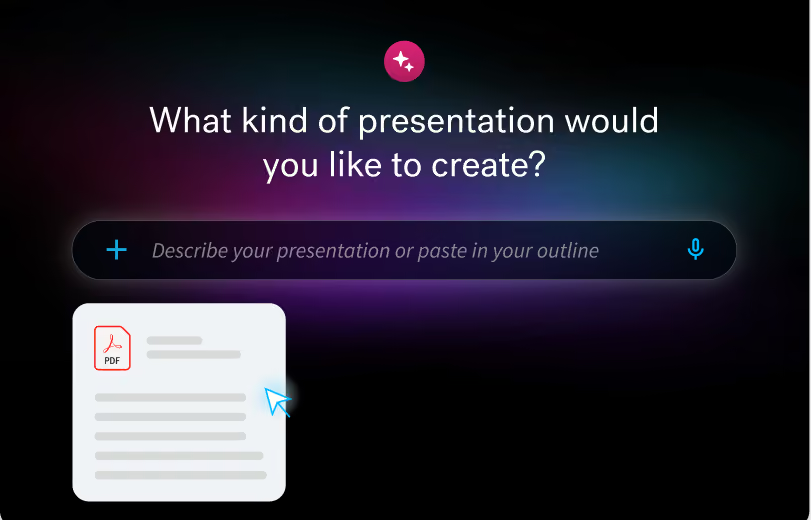
Upload your PDF
In Beautiful.ai, click Create Presentation and choose Create with AI. Click the plus icon to add your PDF as source material. Documents and links work too.
2
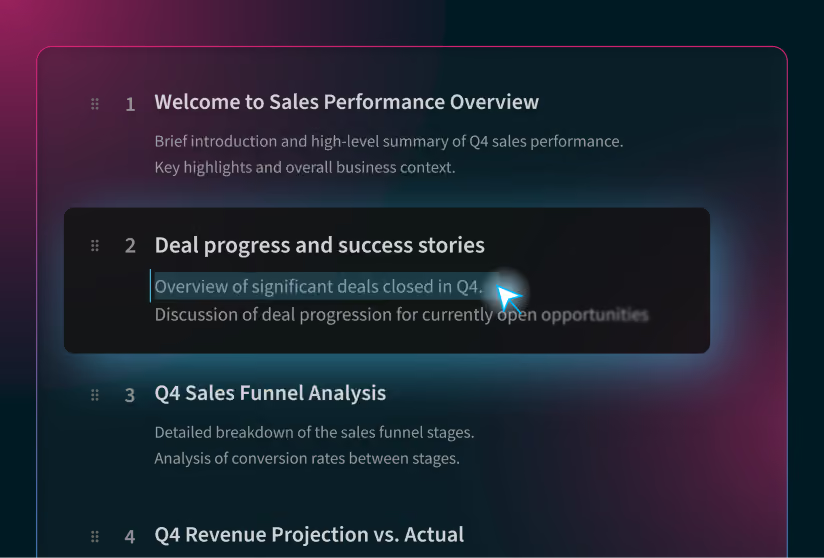
Shape the outline
Beautiful.ai reads your content and generates a slide-by-slide outline before designing anything. Edit titles and copy, reorder or remove slides, and add sections until the story is right.
3
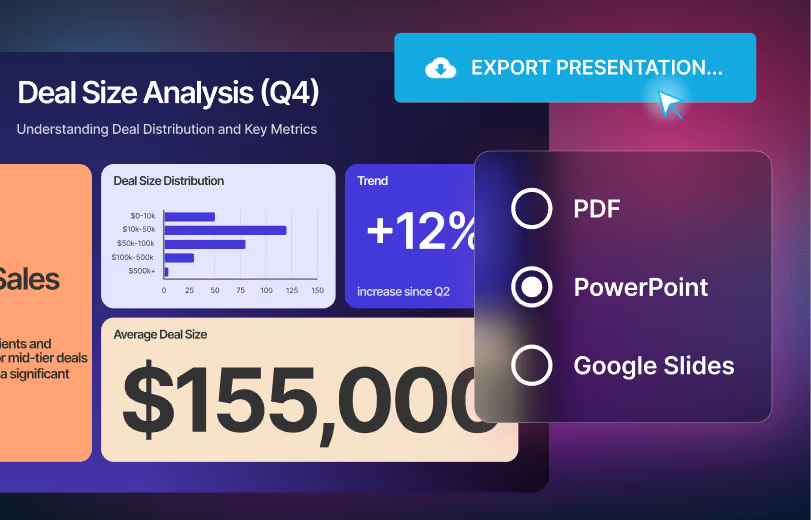
Export as PowerPoint
Generate your deck, then export it as an editable PowerPoint file. Every element stays editable in PowerPoint, speaker notes included.
Why convert your PDF with AI Instead of a file converter
Different ways to get started— all designed to help you think visually and get to beautiful decks, faster than ever.
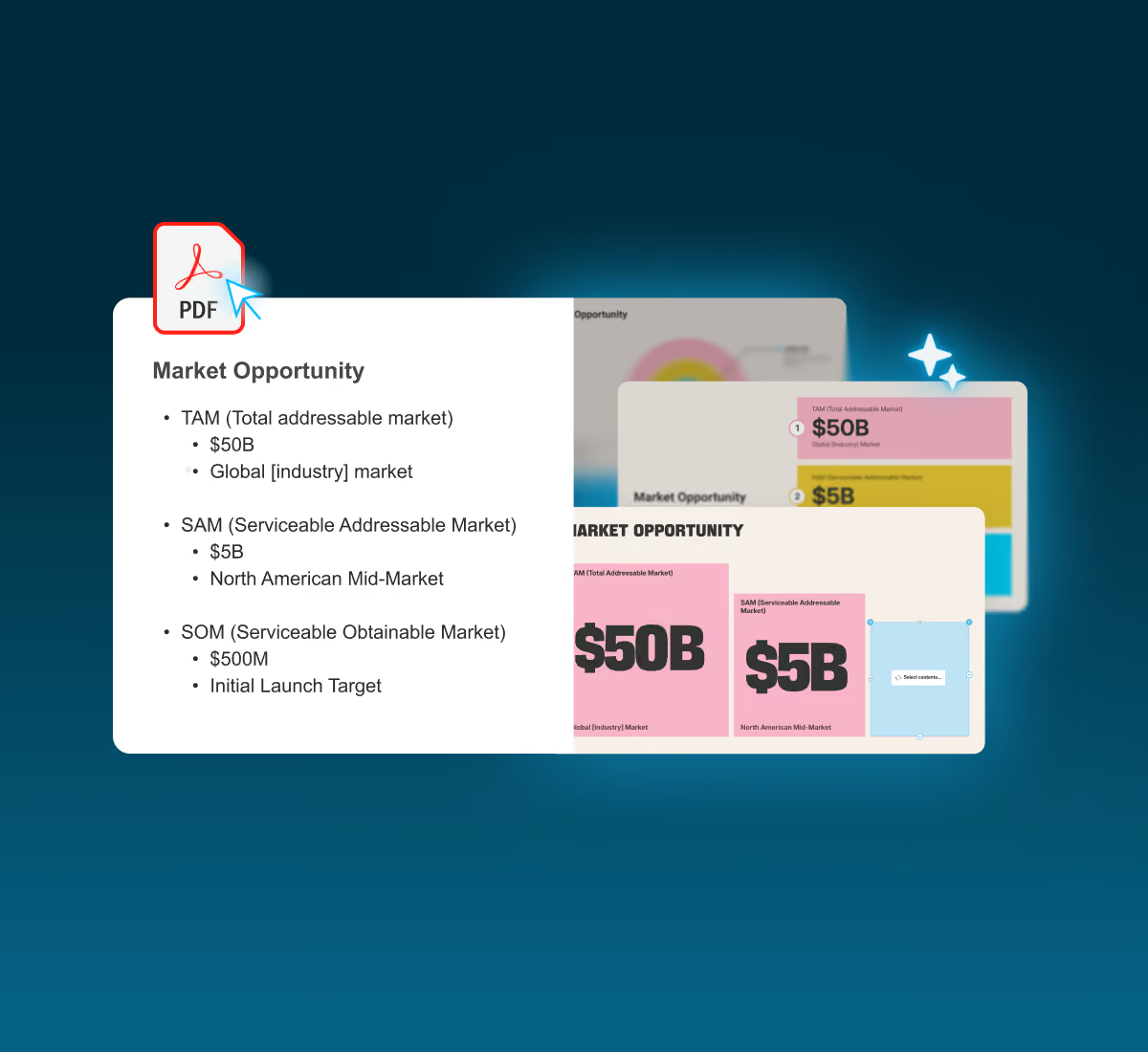
Slides, not snapshots
A converter turns each PDF page into a slide with the same frozen layout. Beautiful.ai creates it with Smart Slides: intelligent layouts that adapt as you edit, making the deck feel like its designed from scratch.
Every slide stays editable
The point of converting PDF to PowerPoint is to keep working on it. Exports from Beautiful.ai keep elements editable in PowerPoint, including speaker notes. Prefer another format? Export to Google Slides or PDF.
The outline keeps you in control
Conversion should not mean surprises. BecauseCreate with AIdrafts a slide-by-slide outline first, you decide what makes the cut before a single slide is designed. Trim the appendix, merge sections, or expand a key point with pasted content.
Frequently asked questions
Start a new presentation with Create with AI and attach your PDF using the plus icon. Review the outline the AI drafts from your content, generate the deck, and export an editable PowerPoint file when it is ready.
Yes, that is the point. Every deck created in Beautiful.ai can be exported as a PowerPoint file where all elements remain editable in PowerPoint, including your presentation notes. No flattened images, no locked text boxes.
Beautiful.ai exports to editable PowerPoint, PowerPoint images, Google Slides, and PDF, including a compressed PDF option. One note on Google Slides: embedded videos, audio, animations, and transitions are not supported there and will be lost on export.
Beautiful.ai is free to try: every account starts with a 14-day free trial of the Pro or Team plan, and editable PowerPoint export is included on those plans. After the trial, a paid subscription keeps your access going.
No, and that is deliberate. Beautiful.ai does not trace your PDF pixel for pixel; it rebuilds the content into designed slides, and the outline step lets you shape what carries over. If you need an exact visual copy of the PDF, a traditional file converter is the better tool. If you need a presentation you can actually edit, restyle, and present, this is.

Turn your next PDF into a presentation
Stop presenting documents. Try Beautiful.ai free for 14 days.
