

.avif)

How Do I Give My Presentation a Polished Look?
If your slides look amateur no matter how long you spend on them, the problem is almost always one of five design habits: too many fonts, cluttered slides, filler visuals, misaligned elements, and layouts that change from slide to slide. Each one has a fix you can apply today.
Design training is optional here. A small set of rules, applied to every slide, gets you most of the way. This guide walks through those rules and shows where a tool can apply them for you automatically.
Why do my slides look amateur?
Audiences read polish through a handful of signals: whether fonts and colors repeat from slide to slide, whether elements line up, whether there is empty space around content, and whether type sizes follow a clear hierarchy. Break any of those and a deck reads as homemade, even when the ideas are strong.
Your tool shapes this more than most people expect. PowerPoint and Google Slides give you full manual control, so every misalignment and font mismatch is yours to make and yours to catch. Canva supplies attractive templates, though slides can drift once you start moving things. Beautiful.ai builds the rules into the editor. Smart Slides adjust alignment, spacing, and layout automatically as you add content, which removes the most common amateur tells at the source.
Start with a consistent visual style
Polished presentations feel cohesive from beginning to end.
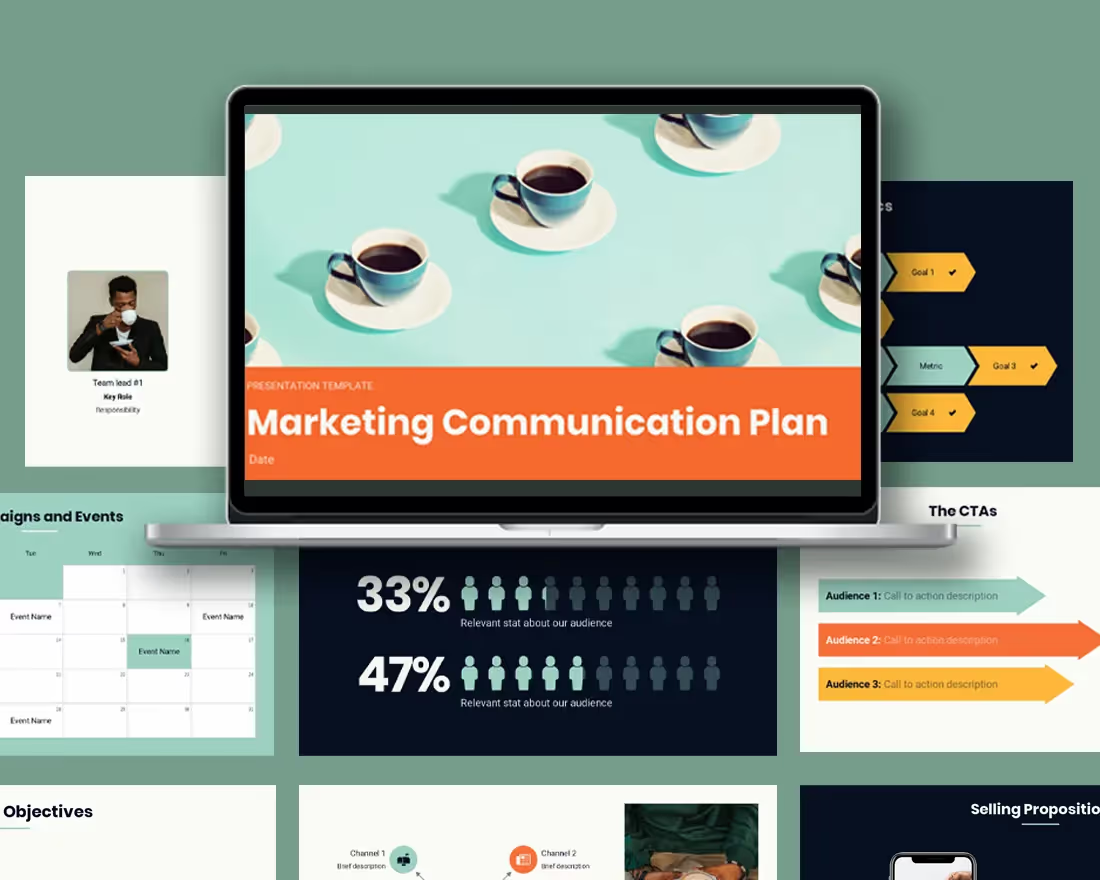
That means using the same fonts, colors, and layouts throughout your slides. Stick to one or two fonts and a simple color palette. When everything matches, your presentation instantly feels more professional.
If this feels hard to manage manually, tools like Beautiful.ai can handle it for you by automatically applying consistent design rules across every slide.
Simplify your slides
Clutter is the fastest way to make a presentation feel unpolished.
Each slide should focus on one main idea. Instead of cramming in multiple points, break content into separate slides. This makes your message easier to follow and much more visually appealing.
Think of your slides as highlights, not a script.
Use high-quality, purposeful visuals
Polished presentations rely on visuals that actually support the message.
Use clear charts, sharp images, and consistent icons. Avoid low-resolution graphics or anything that feels like filler. Every visual should help explain something, not just decorate the slide.
Many modern presentation tools, including Beautiful.ai, offer built-in visual libraries and smart templates that help you create clean, well-balanced slides without starting from scratch.
Pay attention to alignment and spacing
Small details make a big difference.
Elements that are slightly misaligned can make a slide feel “off,” even if the audience can’t explain why. Clean alignment and consistent spacing create a sense of order and professionalism.
Design platforms that use smart layouts (like Beautiful.ai) automatically adjust spacing and alignment as you add content, which helps eliminate these common issues.
Stick to a few reliable layouts
Jumping between wildly different slide designs can make your presentation feel disjointed.
Instead, use a small set of consistent layouts--like title slides, section headers, and content slides--and repeat them throughout your deck. This creates rhythm and makes your presentation easier to follow.
Keep text clear and concise
A polished presentation doesn’t overwhelm the audience with text.
Use short phrases, strong headlines, and clear hierarchy. Your slides should support what you’re saying—not replace it.
Also, double-check for small details like grammar, punctuation, and consistent capitalization. These subtle touches go a long way.
Use animation sparingly
Animations can enhance your presentation, but only when used with intention.
Stick to simple transitions and avoid overusing effects. The goal is to guide attention, not distract from your message.
Focus on the story
Even the most beautiful slides won’t feel polished without a clear narrative.
Make sure your presentation has:
- A strong opening
- A logical flow of ideas
- A clear conclusion or takeaway
When your story is easy to follow, your presentation feels more confident and complete.
Which presentation tool keeps slides from looking amateur?
The hardest part of polish is consistency, and this is where your tool choice matters. PowerPoint is powerful but manual. Every alignment, margin, and font size is on you, which is why so many PowerPoint decks drift. Canva makes the starting template look great, and keeping fifty edited slides consistent is still handwork. Google Slides is simple to share and just as easy to knock off-grid.
Beautiful.ai was built around this exact problem. Smart Slides adapt automatically as you add content, keeping layouts aligned and spacing even on every slide, and Brand Kits hold your fonts and colors steady across the whole deck. You get the polished result without doing the pixel work.
Practice your delivery
Polish isn’t just visual, it’s also how you present.
Rehearse your timing, transitions, and key points. A smooth, confident delivery brings everything together and makes your presentation feel complete.
A polished presentation isn’t about adding more, it’s about refining what’s already there.
When your slides are clear, consistent, and thoughtfully designed, your ideas stand out. And with the right approach (or the right tools), creating that polished look becomes much easier.





.avif)
.gif)
