


Best GenPPT alternatives: top 9 in 2026
![GenPPT alternatives: the top 9 [updated for 2026]](https://cdn.prod.website-files.com/59e16042ec229e00016d3a66/698668ede9d12d7b4089adb3_beautiful%20ai%20vs%20gen%20ppt.avif)

Best GenPPT alternatives: top 9 in 2026
Professionals searching for the best AI presentation makers typically encounter a crowded field of productivity tools, each with distinct strengths in slide generation, design automation, and team workflow integration. According to industry research on enterprise AI adoption, organizations are increasingly turning to AI-powered presentation tools to reduce bottlenecks in content creation and improve workflow efficiency. GenPPT has earned attention for its AI-driven research capabilities and fast content creation, but selecting the right tool for your team requires a deeper look at the competitive landscape. This article offers a detailed comparison of GenPPT and the top alternatives, highlighting their features, ideal use cases, and key differences to help you make an informed choice.
What is GenPPT?
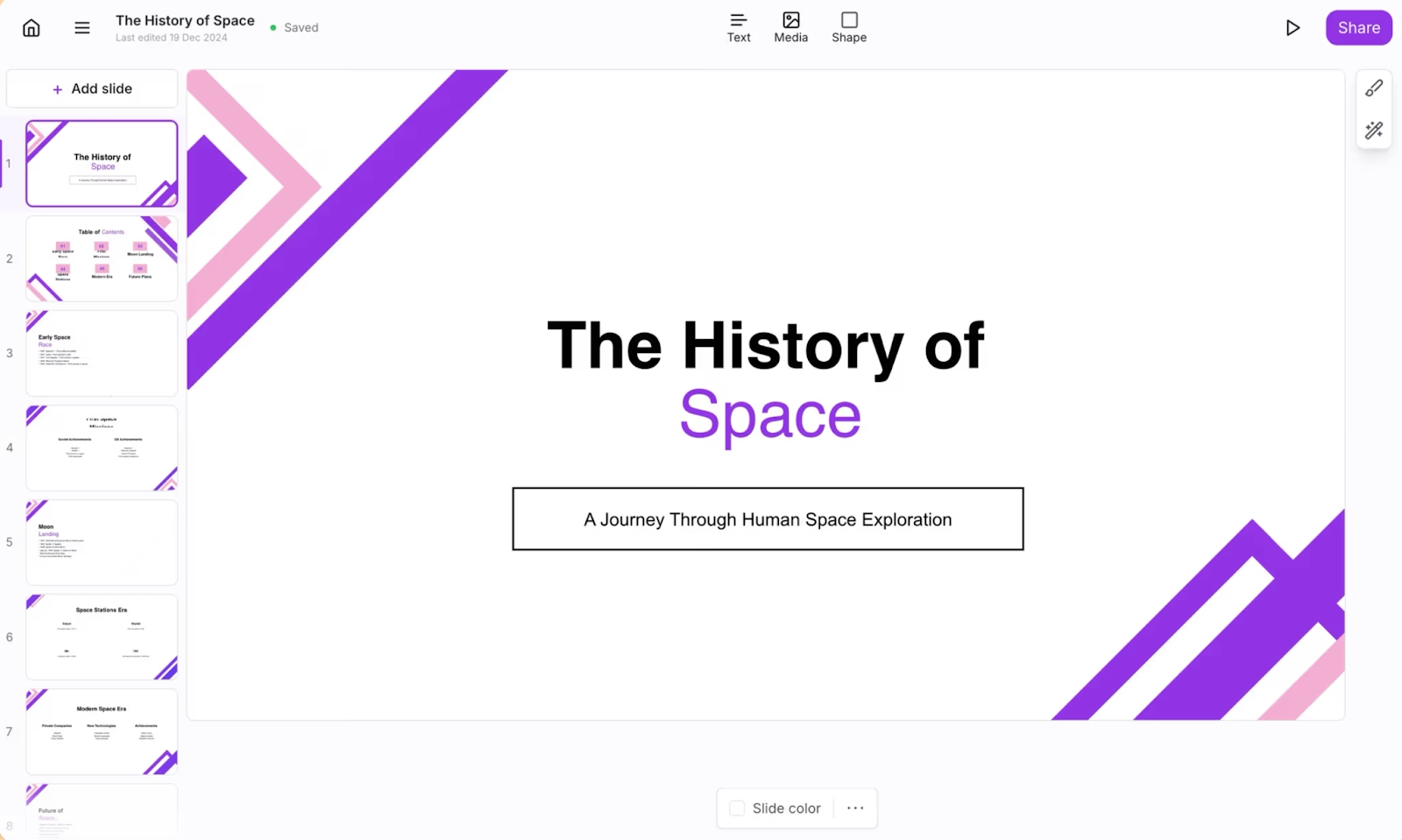
GenPPT is an AI presentation maker built around advanced language models, including Gemini Pro and Claude Opus. It focuses on generating slide decks quickly by researching your topic, summarizing large docs, or converting YouTube videos into presentation format. GenPPT's core value lies in content generation: users enter a prompt, and the AI produces a complete draft, often in under a minute, with researched statistics and structured talking points.
GenPPT is designed for professionals who prioritize substance over visual polish. It supports PPTX and PDF exports, making it compatible with PowerPoint and other presentation software. The platform also includes AI image generation and a chat interface that lets users tweak slides iteratively.
GenPPT stands out among AI presentation tools for speed and research depth, but its design capabilities are more limited compared to platforms built specifically for visual automation. This trade-off is a common reason why users explore GenPPT alternatives.
Why look for GenPPT alternatives?
GenPPT offers significant advantages for fast, research-backed content creation. Still, several factors may prompt teams to evaluate other solutions. Teams spend considerable time building presentations from scratch—time that could be redirected toward strategy, messaging refinement, and practice. In fact, the time spent on presentation creation represents a significant bottleneck for many organizations. Understanding why GenPPT might not be the perfect fit for every use case helps teams find the right alternative that matches their specific workflow.
First, design quality is a consideration. GenPPT emphasizes content over aesthetics. Teams that need polished presentations with consistent branding, refined fonts, and carefully structured layouts may find the platform's output requires manual refinement.
Second, GenPPT's free plan is generous for basic use, but advanced AI features and higher output volumes require paid plans. Pricing and plan limits can influence the decision for teams scaling content creation or working under strict budgets.
Third, GenPPT has limited collaboration features. It's built primarily for individual users. Teams that depend on real-time collaboration, commenting, and shared workspace environments may find the platform less suited to their workflow.
Fourth, integration requirements vary. GenPPT exports cleanly to PowerPoint and PDF, but it doesn't offer the deep integrations with Google Slides, Microsoft 365, or other productivity tools that some teams expect. Users heavily invested in Google Workspace or seeking direct AI PowerPoint automation within their existing environment may prefer alternatives.
Finally, some users simply want more templates, customization options, or a different approach to AI slide design. Understanding these needs is the starting point for finding the right fit.
Top 9 GenPPT alternatives
The market for AI presentation tools is varied, with platforms emphasizing different strengths. Some focus on automation and design consistency, others on flexibility and template libraries, and still others on seamless integration with existing tools. According to recent market analysis, the presentation software industry is growing significantly, driven by increasing demand for AI-enabled tools that streamline content creation. Below are nine alternatives to GenPPT, each suited to different teams, use cases, and presentation creation priorities.
1. Beautiful.ai
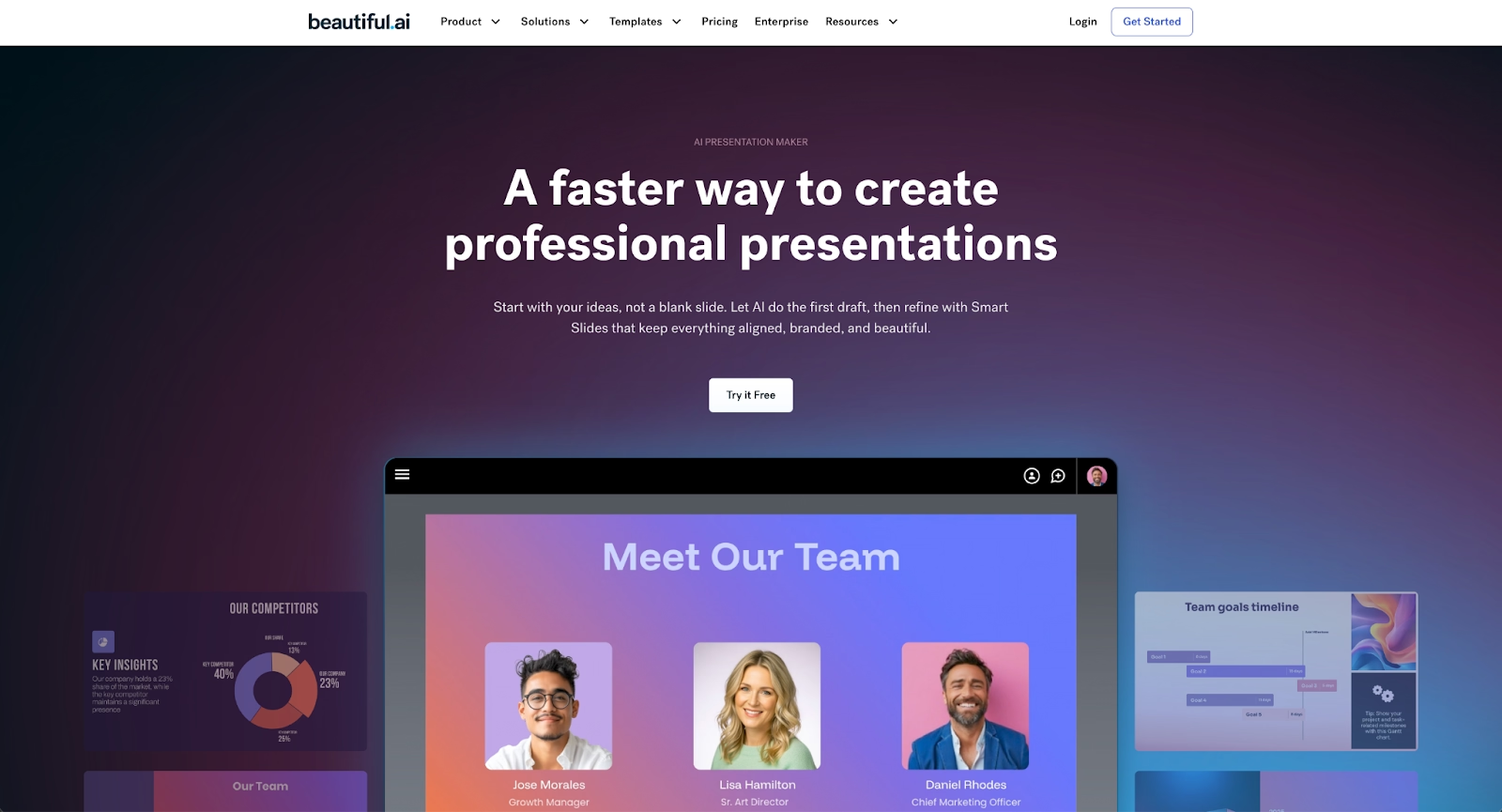
Beautiful.ai combines two core capabilities: Smart Slides for design automation and AI features for content generation. Smart Slides auto-align, resize, and animate content as you edit, so you focus on the message rather than formatting. Your brand colors, fonts, and logos remain consistent across every slide deck, supporting brand alignment for large teams without requiring manual formatting adjustments.
Beyond design automation, Beautiful.ai includes AI features that help you skip the blank page. Enter a prompt with extra context, and the AI generates presentation drafts in seconds. Every AI-generated deck is built with Smart Slides, so you can move to refining and editing at lightspeed. Collaboration features are built in, allowing team members to work together on the same deck and leave comments.
Where GenPPT excels in content generation and research depth, Beautiful.ai combines design automation with AI-powered content generation. For business presentations and pitch decks, Beautiful.ai delivers polished, work-ready output that requires minimal post-generation editing. It's a user-friendly platform for anyone who wants to build better slide decks without deep design skills.
2. Gamma
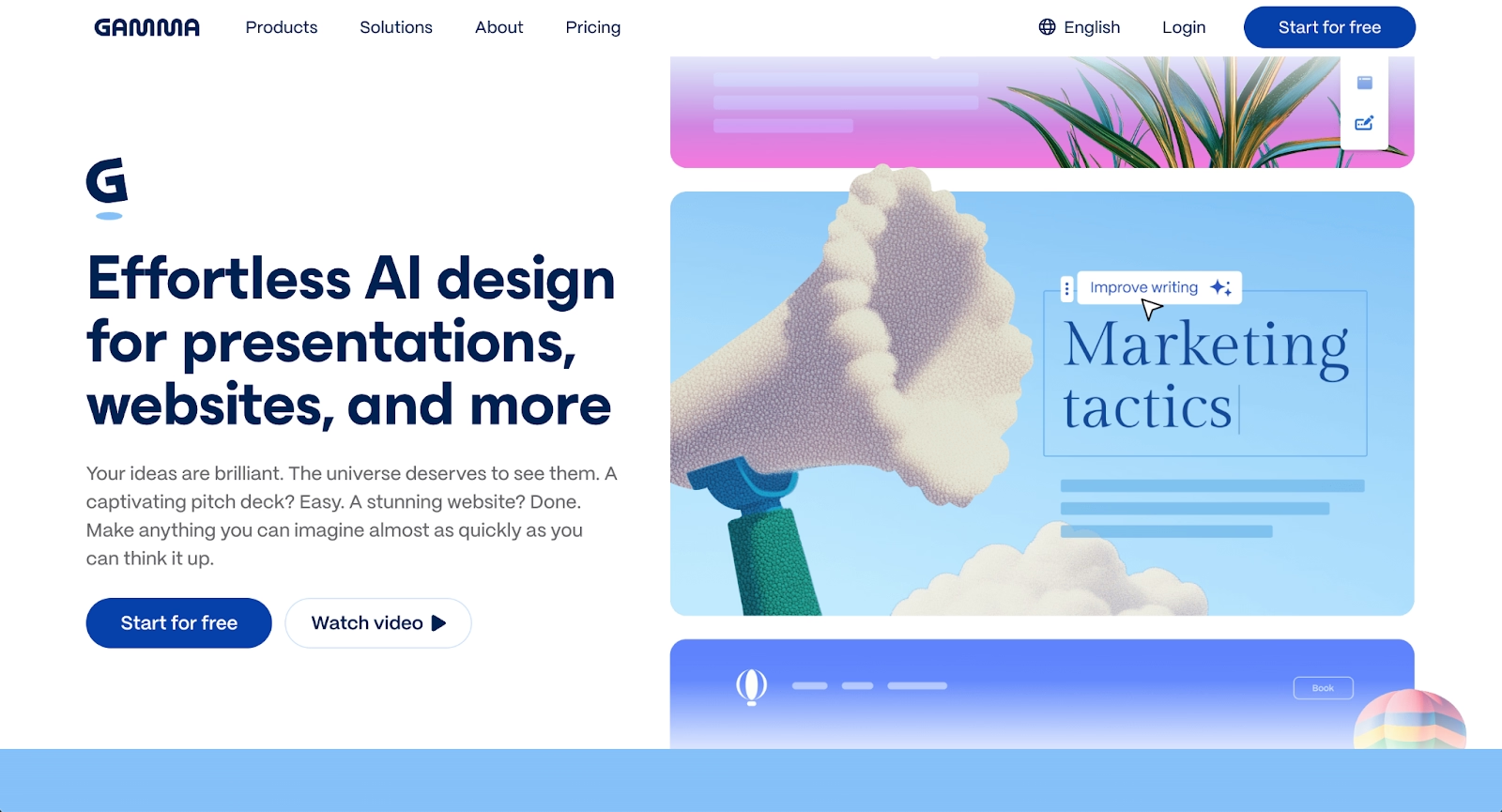
Gamma is a web-style AI presentation generator known for modern, scrollable layouts that feel more like a webpage than traditional slides. Enter a prompt, and Gamma produces an outline, then generates visually engaging content with images and layouts. It's a good starting point for users who want speed and aesthetic appeal.
Gamma offers a free plan with credits, making it accessible for startup teams or individuals testing the tool. It supports exports to PDF, PowerPoint, and Google Slides. Its card-based format is distinct from slide-based tools, which appeal to users seeking dynamic storytelling over rigid structure.
Compared to GenPPT, Gamma places more emphasis on design polish and less on deep research. The content quality can sometimes feel generic, but for visual-first decks with minimal setup, Gamma is a strong option among GenPPT alternatives.
3. Pitch

Pitch is a modern presentation software platform designed for collaborative team workflows. It offers a clean interface and places strong emphasis on beautiful, customizable templates. Pitch includes robust real-time collaboration features, advanced team collaboration options, and integrated video meetings, making it useful for distributed teams that rely on seamless integration.
Although Pitch does not offer the same level of AI-driven content generation as GenPPT, it excels in data integration tools, structured presentation design, and brand consistency. Support for animations and its appeal among startups make it a strong choice for teams that want high-quality design without sacrificing speed or functionality.
Compared to GenPPT, Pitch prioritizes visual polish and collaboration over deep research capabilities. For teams seeking a modern, streamlined presentation workflow with strong design templates, Pitch is a compelling alternative.
4. Plus AI
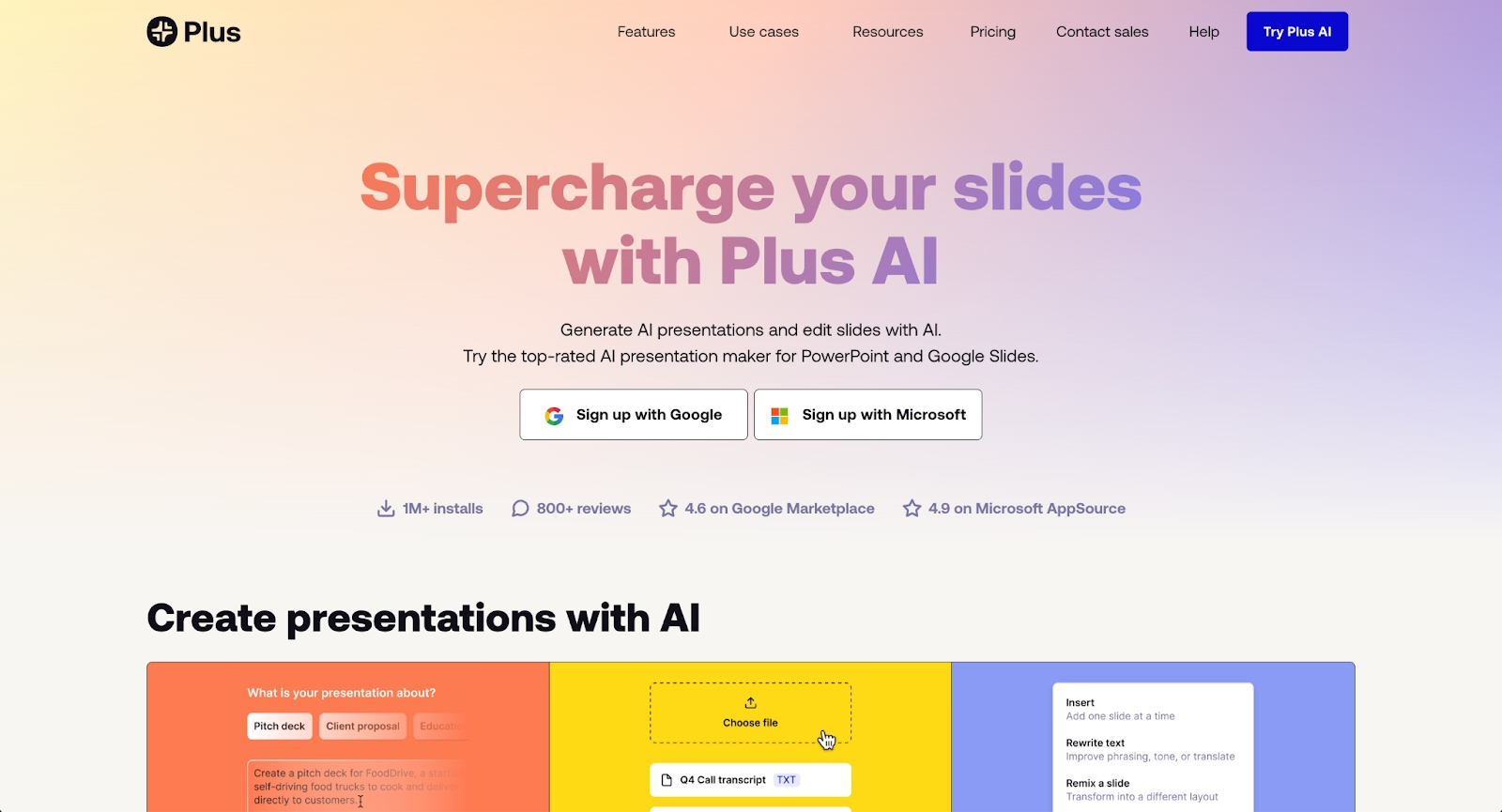
Plus AI is an extension that adds AI assistance directly inside Google Slides and PowerPoint. Instead of switching platforms, users install Plus AI in their Google Workspace and generate content, adjust layouts, or edit existing slides without leaving their familiar environment.
Plus AI is well-suited to teams deeply invested in Google Slides or Microsoft 365. It maintains existing workflows and integrates seamlessly, which reduces onboarding friction. The tool generates outlines and slide content, though it lacks the deep research step that GenPPT provides.
Plus AI's pricing scales quickly for high-quality output. Its free plan is limited to a 7-day trial, and team plans can reach $40 per user per month. For organizations that value workflow continuity over standalone functionality, Plus AI is a practical choice.
5. PowerPoint with Microsoft Copilot

Microsoft PowerPoint, enhanced with Microsoft Copilot, brings AI assistance to the world's most widely used presentation software. Copilot can generate slides from prompts, suggest layouts, and help with content generation, all within PowerPoint's familiar interface. This pairing combines enterprise-grade reliability with modern AI features.
PowerPoint offers deep design flexibility, including animations, custom charts, and robust text boxes for complex layouts. Users can import data from Excel, build intricate visuals, and export to pptx or PDF. Microsoft Copilot enhances these capabilities with AI-generated content and formatting suggestions.
Compared to GenPPT, PowerPoint with Copilot offers more granular control but a steeper learning curve for those unfamiliar with PowerPoint's full feature set. For enterprise teams and users who need professional-grade PowerPoint presentations*, this combination is hard to beat.
6. Google Slides with Gemini
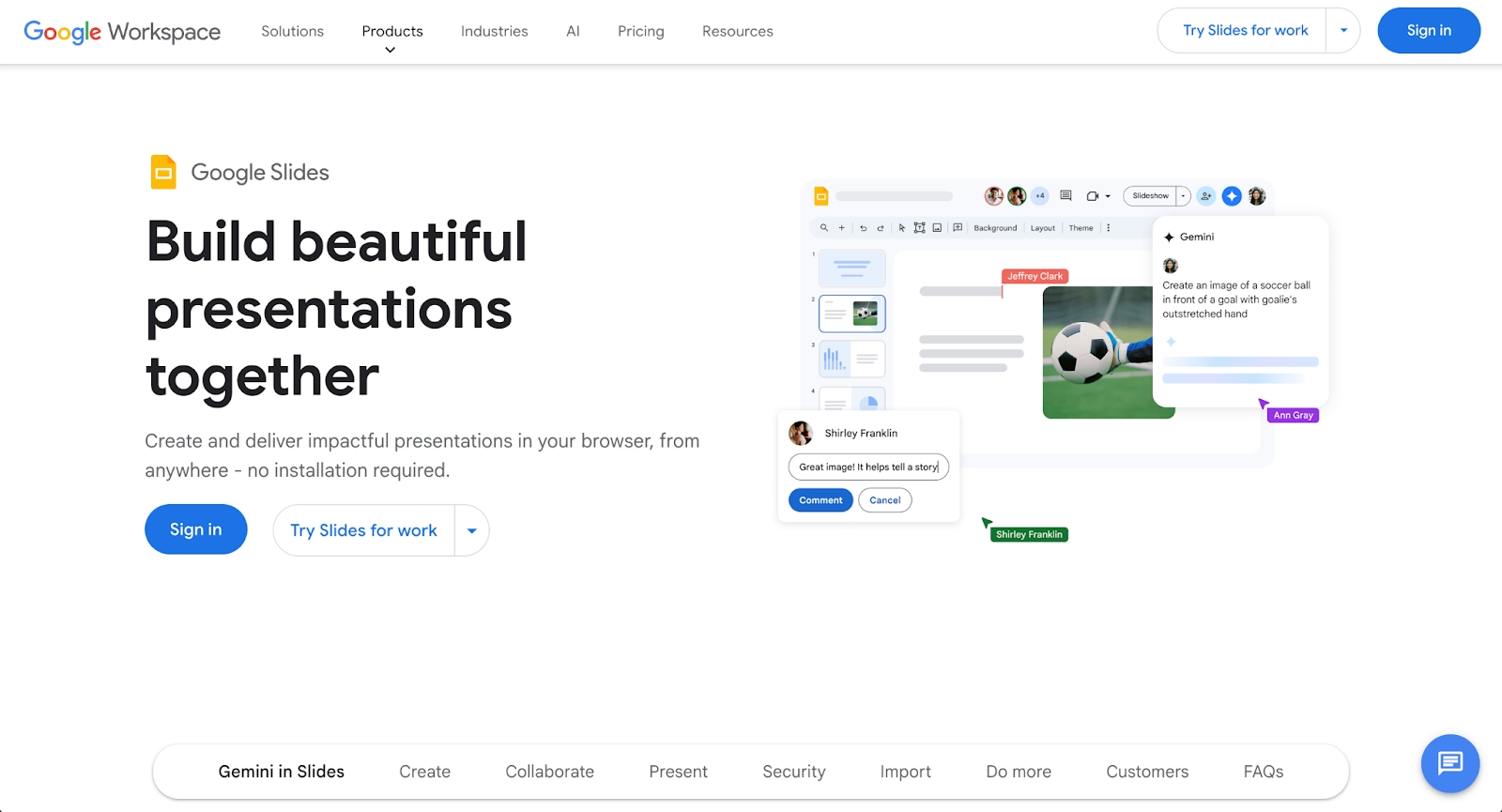
Google Slides is a cloud-based presentation tool built into Google Workspace. It's known for accessibility, real-time collaboration, and tight integration with Google Drive. The addition of Gemini brings AI features such as AI-generated text, layout suggestions, and chat-based AI assistance similar to ChatGPT interactions.
Google Slides is a strong option for teams seeking cost-effective workflows. The free plan covers most basic needs, and paid Google Workspace tiers add advanced functionality. Exports work seamlessly with PowerPoint and other tools.
GenPPT surpasses Google Slides in research depth and speed, but Google Slides with Gemini is ideal for teams that already rely on Google Workspace and want AI assistance without changing platforms. It's a low-friction way to add AI slide generation to an existing workflow.
7. Visme
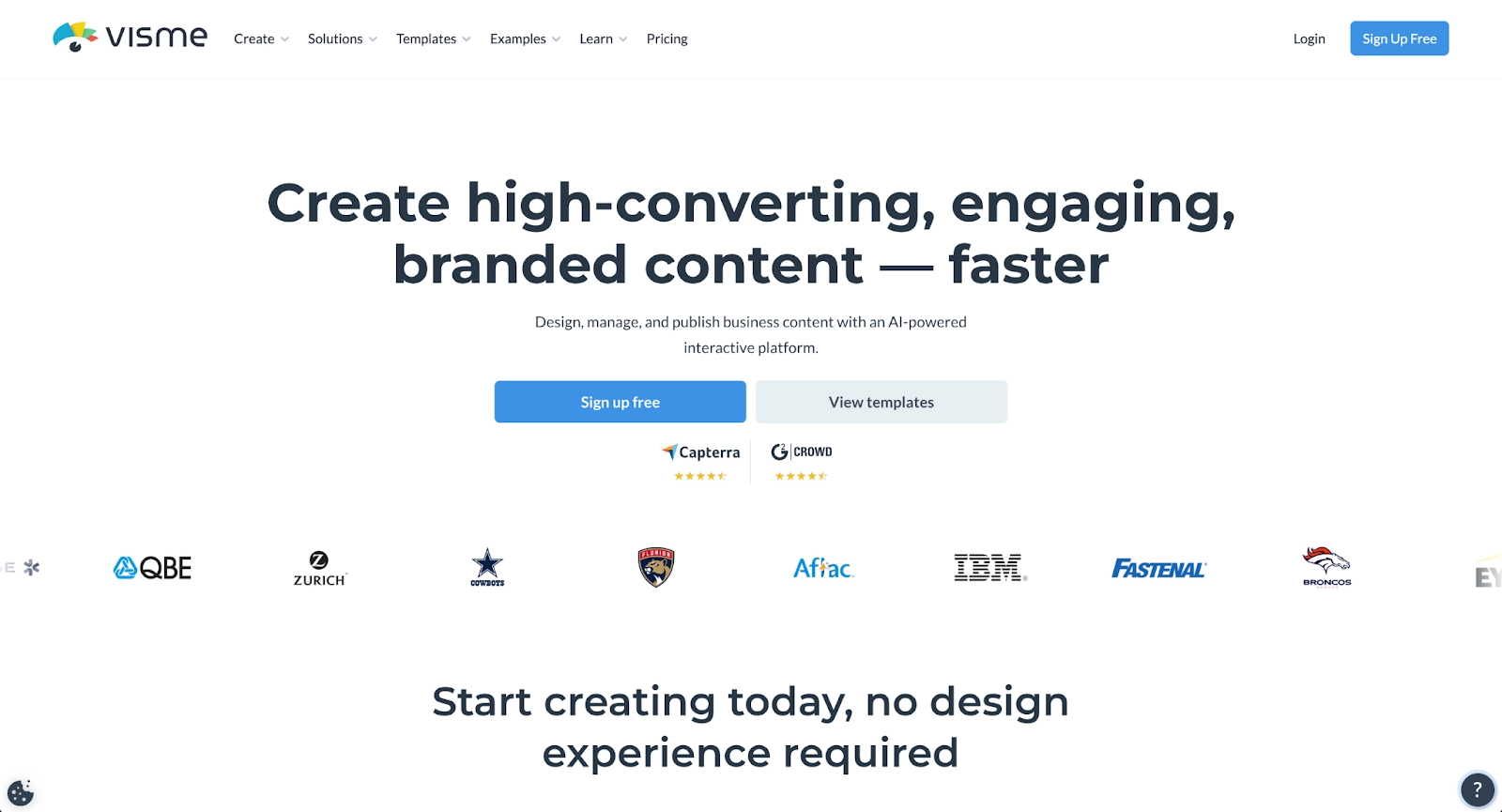
Visme is a versatile platform for creating visual content, including presentations, infographics, documents, and videos. It offers a large library of templates and graphics, along with advanced data visualization capabilities. Visme's drag-and-drop interface supports high-quality output with consistent branding.
Visme includes AI-generated content features, though it's not primarily an AI presentation generator. The platform excels at helping teams produce business presentations with polished layouts and customizable templates. It integrates with third-party apps and supports multiple export formats.
For users who want a design tool with broad content creation capabilities, Visme is a solid alternative to GenPPT. Its emphasis on visual polish and brand consistency makes it suitable for marketing teams and agencies.
8. Presentations.ai
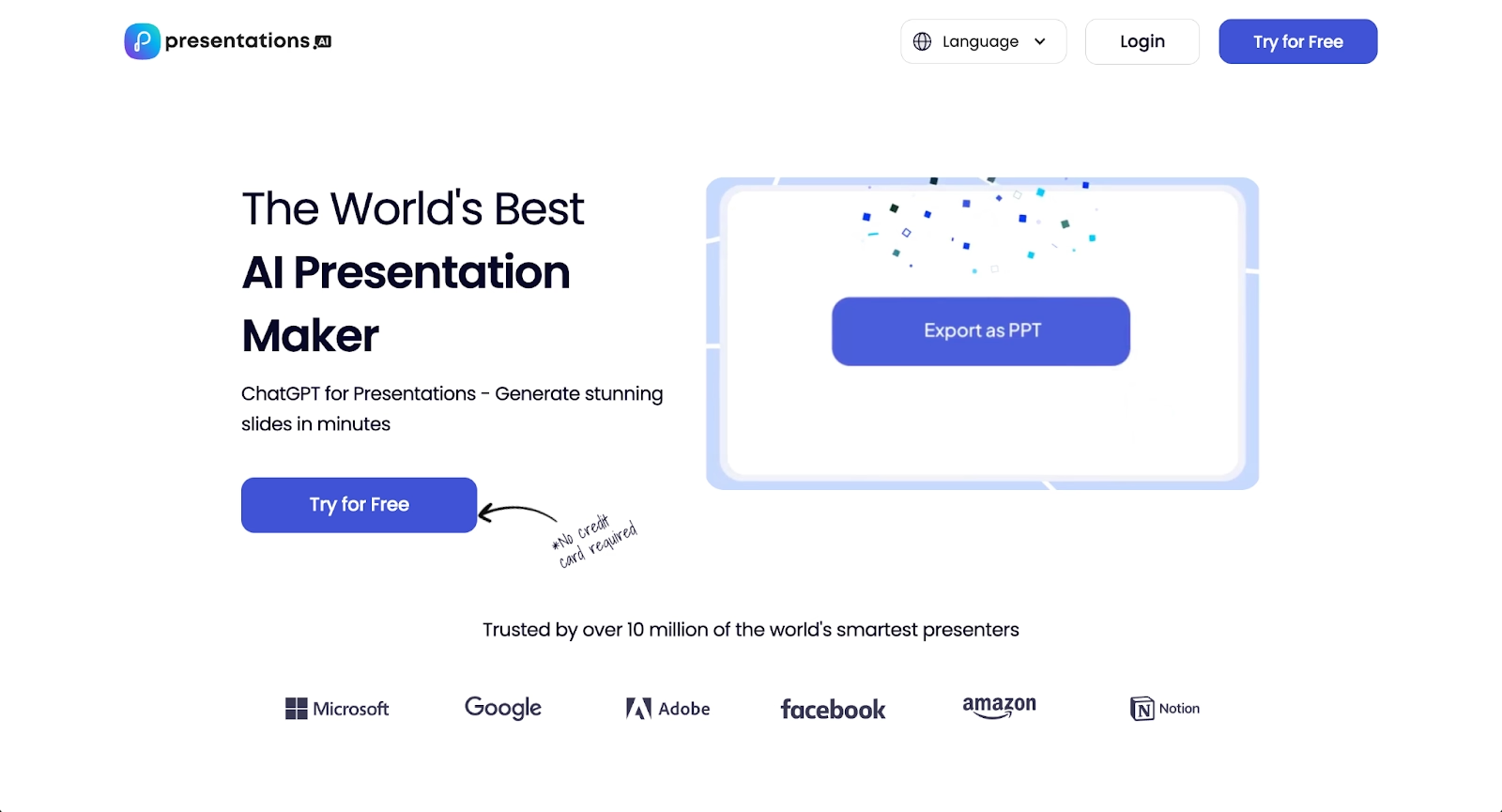
Presentations.ai takes a conversational approach to presentation creation. Users describe what they need, and the AI builds it. The interface feels more like chatting with an assistant than using traditional presentation software. The platform supports multiple content types including infographics and charts.
Presentations.ai's "Brand Sync" feature attempts to maintain visual consistency by learning your style preferences over time. For marketers who need to generate many presentations quickly, this speed-first approach has appeal. The tool offers rapid first drafts with conversational AI assistance.
Compared to GenPPT, Presentations.ai emphasizes fast generation and conversational workflow over research depth. For solo marketers or small teams who need rapid first drafts and don't require extensive in-platform editing, Presentations.ai is a practical option among GenPPT alternatives.
9. Slidebean

Slidebean is an AI-powered presentation tool designed for startup teams and small businesses. Users enter their content, and Slidebean automatically structures slides with clean layouts and consistent branding. It's built for speed and ease, making it a good fit for pitch deck creation.
Slidebean supports animations, standard export formats, and simple workspace organization. While it offers less granular control than PowerPoint, its automation-first approach appeals to users who want professional presentations quickly, without heavy editing.
For teams seeking a free AI presentation maker alternative that prioritizes design consistency and fast output, Slidebean is worth considering. Its focus on startup use cases sets it apart from GenPPT's research-heavy approach.
Key comparison criteria
Choosing between GenPPT alternatives requires evaluating platforms against several practical criteria. The following factors help teams determine which tool best fits their needs, whether the priority is AI features, ease of use, or collaboration.
AI features
AI capabilities vary widely across platforms. GenPPT excels at content generation using advanced models like Gemini Pro, delivering research-backed slides with real statistics. Beautiful.ai emphasizes design automation, ensuring every slide maintains visual consistency. Canva and Gamma offer AI-generated content and layout suggestions, while Plus AI and Microsoft Copilot provide AI assistance within existing productivity tools.
Teams should consider whether they need AI for research, design automation, or both. Platforms like Beautiful.ai and Gamma automate formatting, while GenPPT focuses on substance. ChatGPT-style interactions are available in Google Slides with Gemini and some standalone tools.
Ease of use
User experience shapes how quickly teams can move from idea to finished presentation. GenPPT's prompt-based interface is simple, but refining AI-generated content can require effort. Beautiful.ai offers a user-friendly editor where slide design happens automatically. Canva is familiar to many users, with drag-and-drop interactions and a gentle learning curve.
For teams onboarding new members or collaborating across departments, ease of use is a significant factor. Tools that reduce friction allow users to focus on communication, not formatting.
Design quality and templates
The quality of templates and design automation influences how presentations are received. Beautiful.ai and Canva both offer extensive template libraries, but Beautiful.ai's templates are intelligent frameworks that enforce brand consistency automatically. GenPPT's templates are more basic, with a focus on content over polish.
Fonts, layouts, and customization options matter for teams producing business presentations or pitch decks. Platforms with strong design engines reduce the need for manual editing and help maintain high-quality output.
Collaboration
Real-time collaboration is a key consideration for modern teams. Beautiful.ai, Google Slides, and Canva excel in this area, supporting team collaboration features like simultaneous editing, commenting, and version history. GenPPT, by contrast, is built for individual users and lacks robust collaboration features.
For organizations where multiple team members contribute to slide decks, collaboration tools are an important workflow requirement.
Export and integrations
Export flexibility ensures presentations work across different environments. Most platforms support pptx, PDF, and Google Slides exports. Beautiful.ai allows users to embed presentations and export to editable formats. GenPPT and Canva both offer clean PowerPoint exports, while Plus AI and SlidesAI operate directly inside Google Slides and PowerPoint.
Integrations with productivity tools, including Excel for data imports and CRM systems for workflow connectivity, can streamline content creation and distribution.
Pricing
Pricing structures vary from generous free plans to premium tiers with advanced ai features. GenPPT offers a free plan and affordable paid plans starting at $9 per month. Beautiful.ai does not have a free plan but offers a 14-day trial, with paid plans designed for individuals and teams. Canva's free plan covers basic needs, with Pro at $14.99 per month. Gamma and Slidebean also offer free plans, making them accessible for users testing GenPPT alternatives.
Teams should weigh pricing against the level of automation, collaboration features, and output quality included in each tier.
Quick comparison snapshots
The following head-to-head summaries highlight practical differences between select alternatives and GenPPT. These comparisons are informed by independent hands-on testing of each platform's core functionality, output quality, design consistency, and user experience. By evaluating how each tool performs across actual use cases, you can see which alternatives deliver the best results for specific scenarios.
Beautiful.ai vs GenPPT
Beautiful.ai and GenPPT represent two different philosophies. GenPPT focuses on research-backed content generation, producing drafts quickly with real statistics and structured talking points. Beautiful.ai prioritizes design automation, ensuring every slide looks polished without manual formatting.
GenPPT is ideal when you need substance and speed for a first draft. Beautiful.ai is the better choice for teams that need consistent branding, collaboration features, and high-quality slide design across every presentation. If your priority is professional presentations with minimal post-generation editing, Beautiful.ai offers a more complete solution.
Pitch vs GenPPT
Pitch and GenPPT take different approaches to presentation creation. GenPPT focuses on research-backed content generation with speed and substance. Pitch emphasizes beautiful design templates, real-time collaboration, and structured workflows.
GenPPT is ideal when you need rapid, research-backed content for a first draft. Pitch is the better choice for teams that prioritize visual polish, collaboration features, and modern design templates. For organizations building collaborative workflows where multiple team members refine presentations, Pitch offers a more complete solution.
Gamma vs GenPPT
Gamma and GenPPT both offer fast ai presentation generation, but they approach design differently. Gamma produces modern, scrollable layouts with a visual-first mindset. GenPPT delivers research-backed content with a focus on substance over aesthetics.
Gamma is a good fit for startup teams or users seeking visually striking decks with minimal setup. GenPPT is better when you need well-researched content for business presentations, educational materials, or marketing pitches. Both offer free plans, making them accessible for testing.
Conclusion
The landscape of AI presentation tools offers a wide range of options beyond GenPPT. When evaluating alternatives, consider your priorities: AI features and content generation, design quality and templates, collaboration, integration with existing tools, and pricing. Each platform has distinct strengths, from Beautiful.ai's design automation to Canva's flexibility to Gamma's modern aesthetics.
There is no single "best" tool. The right choice depends on your workflow, team size, and presentation needs. Teams that value polished, on-brand output will find Beautiful.ai a compelling option. Those who prioritize research and speed may prefer GenPPT or Gamma. Organizations deeply invested in Google Workspace or PowerPoint can benefit from Plus AI or Microsoft Copilot.
By aligning your requirements with the strengths of these GenPPT alternatives, you can select a platform that supports your goals and helps your team deliver professional presentations with greater efficiency.
Why customers are switching to Beautiful.ai
Beautiful.ai is an AI-powered presentation platform that helps teams create polished, on-brand slides in a fraction of the time, without design skills or manual formatting.
- Design automation built in. Whether you're building pitch decks, reports, or internal presentations, Beautiful.ai’s Smart Slides automatically format content so you never worry about spacing, alignment, or layout again. Add your content, and the design adjusts instantly.
- ️No design experience required. Create professional decks without touching text boxes or manually arranging elements. Choose from Smart Templates and let the AI handle layout decisions, visual hierarchy, and consistency across the entire deck.
- Branding? Already handled. Keep every slide on-brand with your fonts, colors, and logos applied automatically. Beautiful.ai ensures every team member creates presentations that look like they came from a dedicated design team—without extra work.
- Real-time collaboration & team controls. Collaborate directly on the same deck, leave comments, manage permissions, and maintain consistency across team presentations. Perfect for growing teams and cross-functional workflows.
- Faster workflows, fewer revisions. Jump from rough outline to polished presentation in minutes, not hours. Beautiful.ai reduces back-and-forth edits by enforcing on-brand design rules and helping you iterate faster with AI-assisted slide creation.
