


Best Google Slides alternatives: top 9 in 2026
![Google Slides alternatives: the top 9 [updated for 2026]](https://cdn.prod.website-files.com/59e16042ec229e00016d3a66/69863cc33af36c00292b2219_beautiful%20ai%20vs%20Google%20Slides.avif)

Best Google Slides alternatives: top 9 in 2026
Teams across industries rely on presentation software to communicate ideas, share reports, and pitch new initiatives. According to ActivTrak's 2025 State of the Workplace report, Google Slides has long been a go-to choice for cloud-based collaboration, but many professionals find themselves searching for Google Slides alternatives that better fit their specific needs. Whether you want stronger AI tools, more polished templates, or deeper design control, the market offers a wide range of presentation tools worth considering. This guide breaks down the top options and compares their strengths to help you find the right fit.
What is Google Slides?
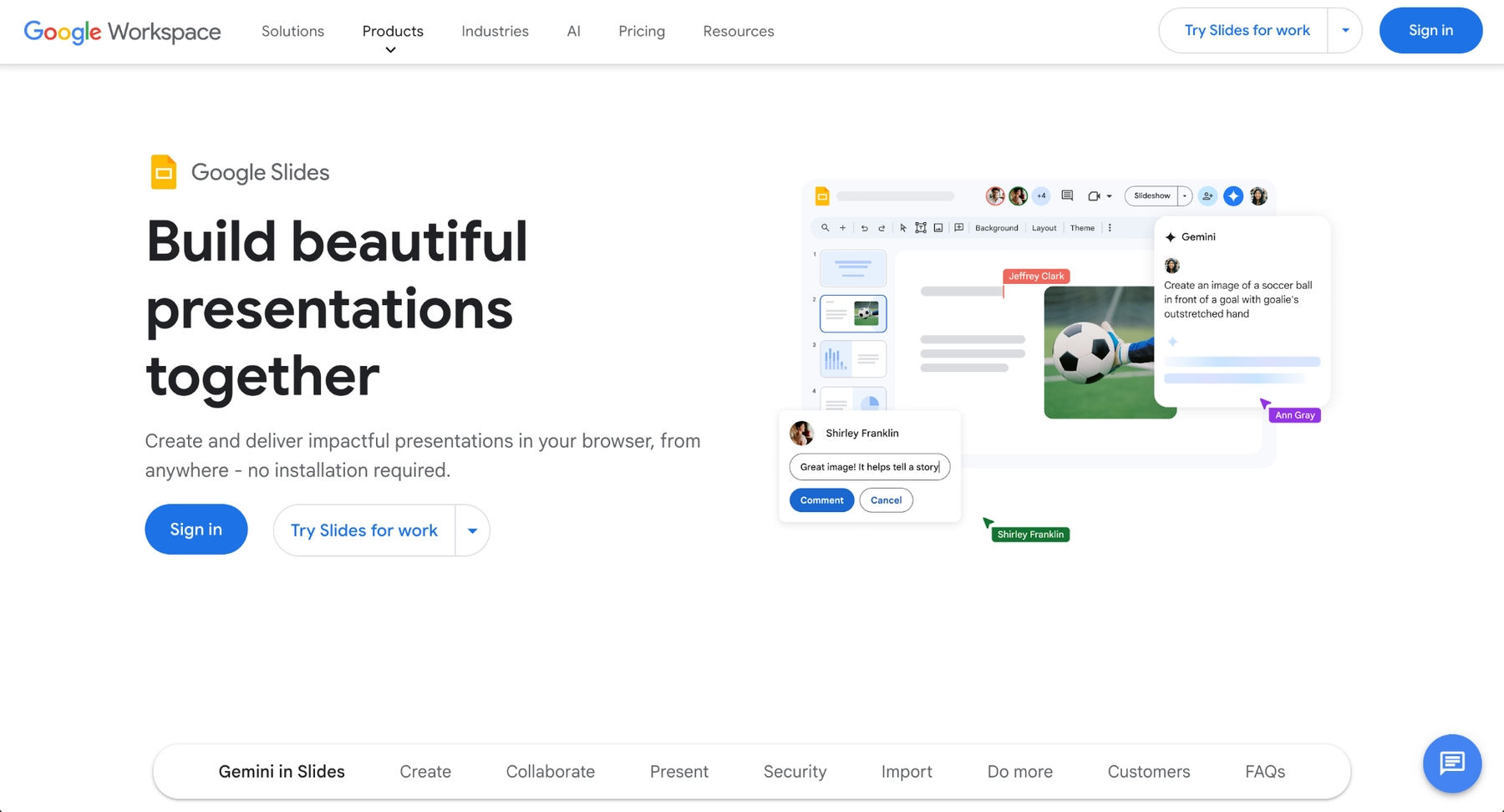
Google Slides is a free, cloud-based presentation tool included in Google Workspace. It allows users to create, edit, and share slideshow presentations directly through a browser or via apps on iOS and Android. Because it integrates tightly with Google Drive, team members can collaborate in real-time, leave comments, and track version history without downloading additional software.
The platform appeals to users who value accessibility and teamwork. It runs on Mac, Windows, and mobile devices, making it easy to work across locations. Google Slides supports basic animations, transitions, and formatting options, and it connects seamlessly with other Google tools like Docs and Sheets.
For small businesses, educators, and distributed teams, Google Slides offers a straightforward way to build presentations without licensing fees. Its simplicity and compatibility with Google Workspace have made it popular, but many users eventually seek alternatives that offer more advanced layouts, design automation, or interactive elements.
Why look for Google Slides alternatives?
While Google Slides offers significant advantages, certain user requirements or preferences may lead teams to explore other solutions. Several factors commonly drive this search:
- Design limitations can become frustrating. Google Slides provides a basic set of templates, fonts, and formatting tools, but users who want stunning presentations often need more flexibility. Customizable templates, better typography options, and stronger visual content tools are frequently cited reasons to look elsewhere.
- The platform lacks advanced AI features that newer presentation tools now offer. Users seeking AI-powered content generation, automatic layout suggestions, or smart formatting often find Google Slides falls short compared to more modern alternatives.
- Some teams require deeper functionality for data visualization, interactive presentations, or multimedia embedding. Google Slides handles basic charts and images well, but it is not built for complex infographics, quizzes, or dynamic audience engagement.
- Export and compatibility needs vary. While Google Slides can export to PPT format, the conversion does not always preserve formatting. Users who work across Microsoft PowerPoint, Keynote, and other platforms sometimes encounter friction.
Finally, ease of use and learning curve differ based on workflow preferences. Some users prefer drag-and-drop editors, while others want automation to handle design decisions entirely. Understanding these limitations helps clarify why so many professionals compare Google Slides alternatives before committing to a platform.
Top 9 Google Slides alternatives
The tools below vary in focus. Some prioritize automation and AI, while others emphasize design control, collaboration, or all-in-one functionality. Each platform serves different teams and workflows, from startups building pitch decks to enterprises managing large-scale presentations.
1. Beautiful.ai
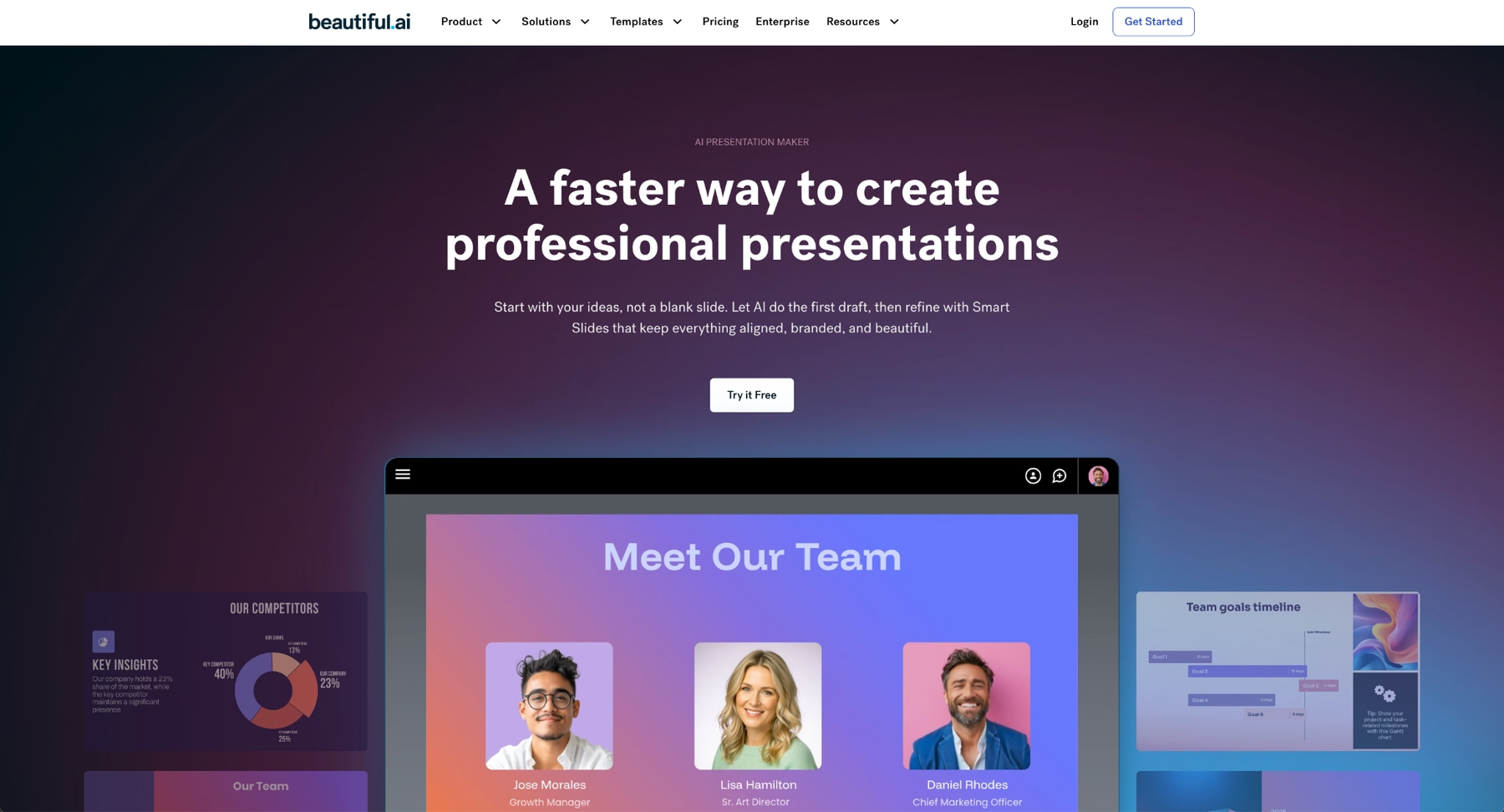
Beautiful.ai combines two core technologies: Smart Slides and AI-powered content generation. Smart Slides use built-in design automation to auto-align, resize, and animate content as you edit—eliminating manual formatting without requiring AI. When you enter a prompt, the platform's AI generates presentation ideas, slide layouts, and content in seconds, and every AI-generated deck is automatically built with Smart Slides for polished results.
The platform excels at producing high-quality, professional presentations quickly. Users can either kickstart with AI by entering a prompt or topic, or select a slide layout manually and add content while Smart Slides handles the design rules. Consistent branding, professional typography, and clean layouts emerge without requiring design expertise.
Beautiful.ai supports real-time collaboration, making it suitable for teamwork across distributed groups. It also includes analytics, presenter view, and sharing options that support professional delivery. For teams that want compelling presentations without spending hours on design, Beautiful.ai offers a streamlined workflow that Google Slides cannot match—whether you use AI to generate a first draft or Smart Slides to refine an existing one.
2. Microsoft PowerPoint
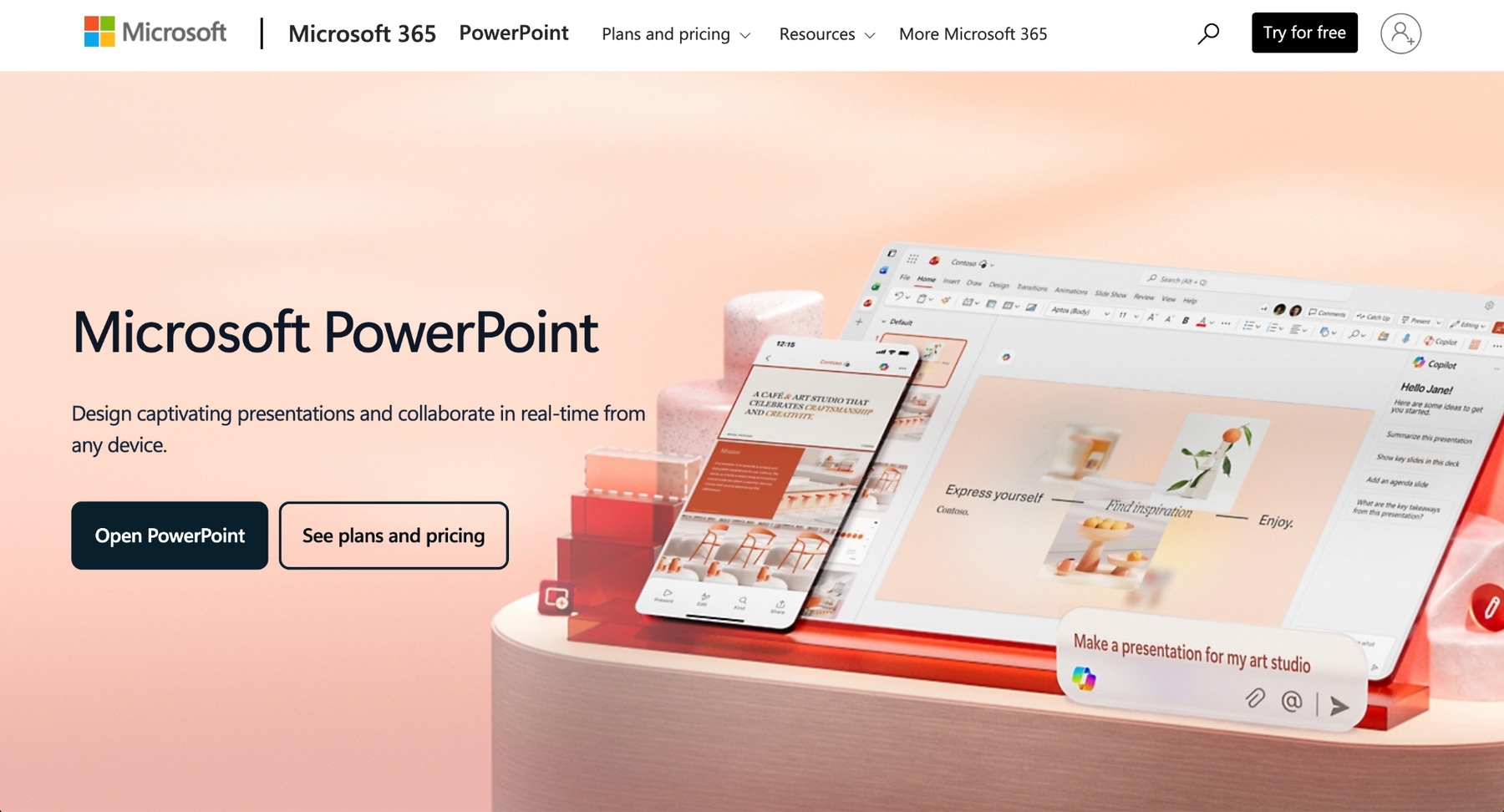
According to McKinsey's technology trends analysis, Microsoft PowerPoint remains the industry standard for presentation software. It offers extensive design flexibility, advanced animations, transitions, and deep integration with the Microsoft 365 ecosystem. PowerPoint supports complex multimedia embedding, detailed data visualization through Excel integration, and a wide range of export options.
Recent updates include Microsoft Copilot, which adds AI-powered content generation and layout assistance. Copilot can draft slides, summarize content, and suggest design improvements, bringing modern AI tools to a familiar interface.
PowerPoint runs on Windows, Mac, iOS, and Android, with both desktop and cloud-based versions available. Its compatibility with other platforms and robust feature set make it a strong choice for enterprises and professionals who need granular control. The learning curve is steeper than Google Slides, but the functionality justifies the investment for many teams.
3. Gamma
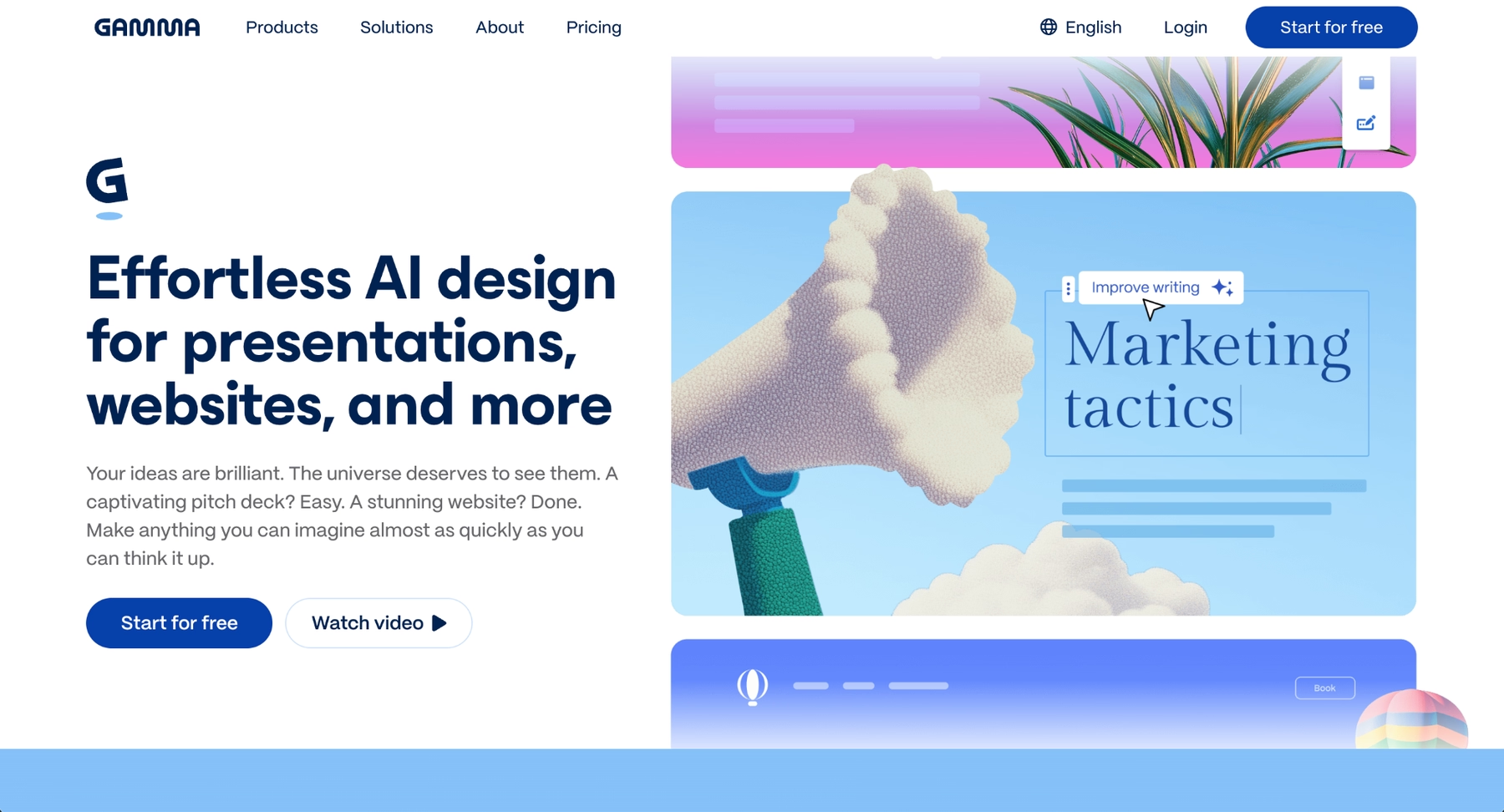
Gamma is an AI-powered presentation platform designed for rapid content creation. It uses a card-based, scrollable interface instead of traditional slides, which allows for more dynamic, web-native presentations. Users enter text prompts or upload content, and Gamma's AI instantly structures the narrative and applies design themes.
The platform excels at speed. According to user reports, presentations can be generated in minutes, making it ideal for teams working on tight deadlines. Gamma's AI-driven approach handles layout suggestions, content organization, and visual refinement automatically. The card-based format creates presentations that feel modern and engage viewers as they scroll through content.
Gamma supports real-time collaboration and includes viewer analytics so teams can track engagement. The platform's unique aesthetic appeals to startups and consultants who prefer contemporary design over traditional slide formats. For Google Slides users seeking a more automated, AI-first experience, Gamma offers a significant leap in speed and modern presentation design.
4. Keynote
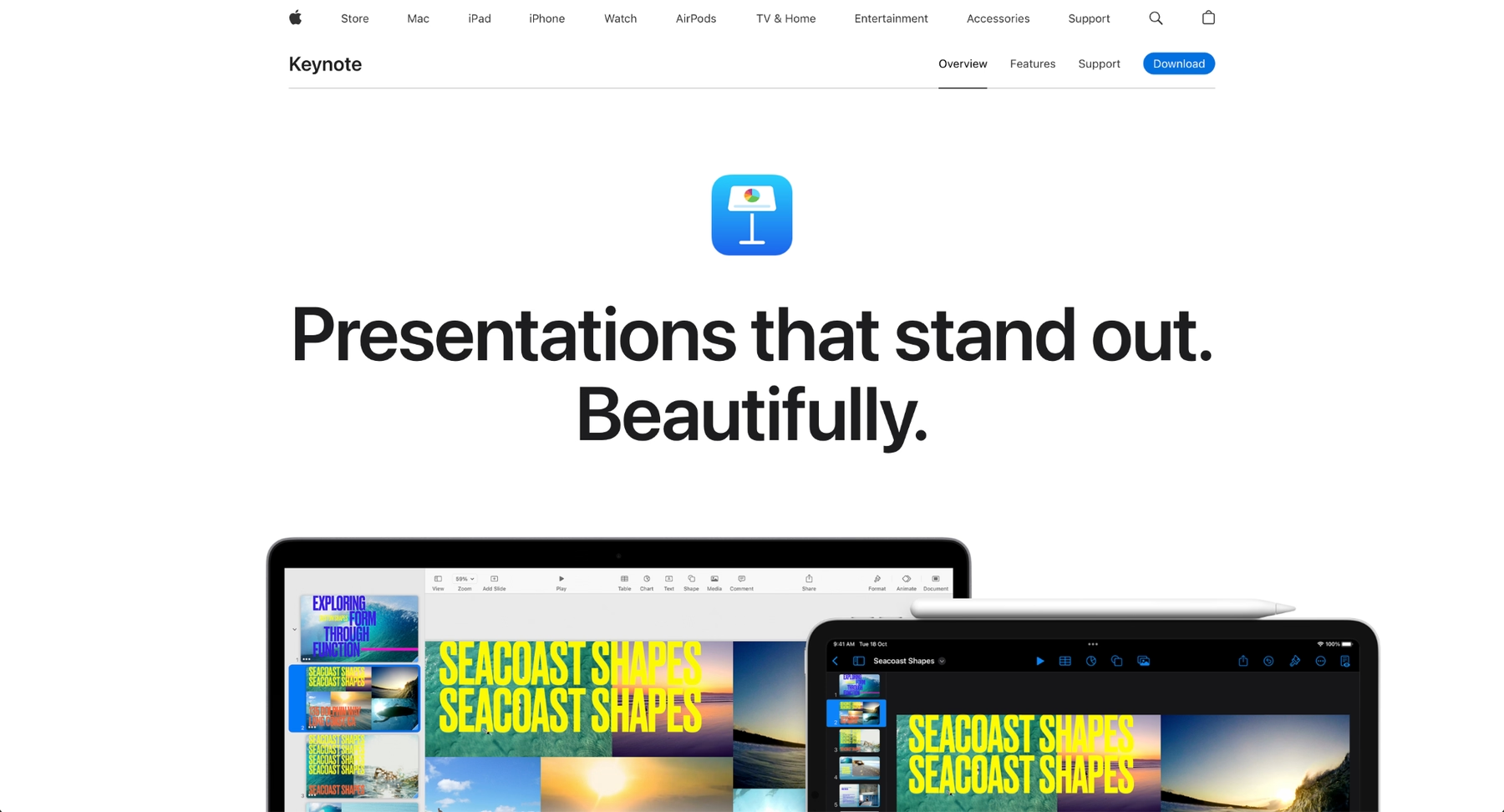
Keynote is Apple's native presentation software, available on Mac, iOS, and through iCloud. It is known for smooth animations, cinematic transitions, and a refined aesthetic that appeals to design-focused users.
Keynote supports real-time collaboration through iCloud, though this feature works best within the Apple ecosystem. The platform offers strong typography controls, high-quality templates, and seamless integration with other Apple tools.
For users already working on Mac or iOS devices, Keynote provides a polished experience. Its limitations appear when sharing presentations with Windows users or teams that rely on Google Workspace, as compatibility issues can arise during export or collaborative editing.
5. Prezi
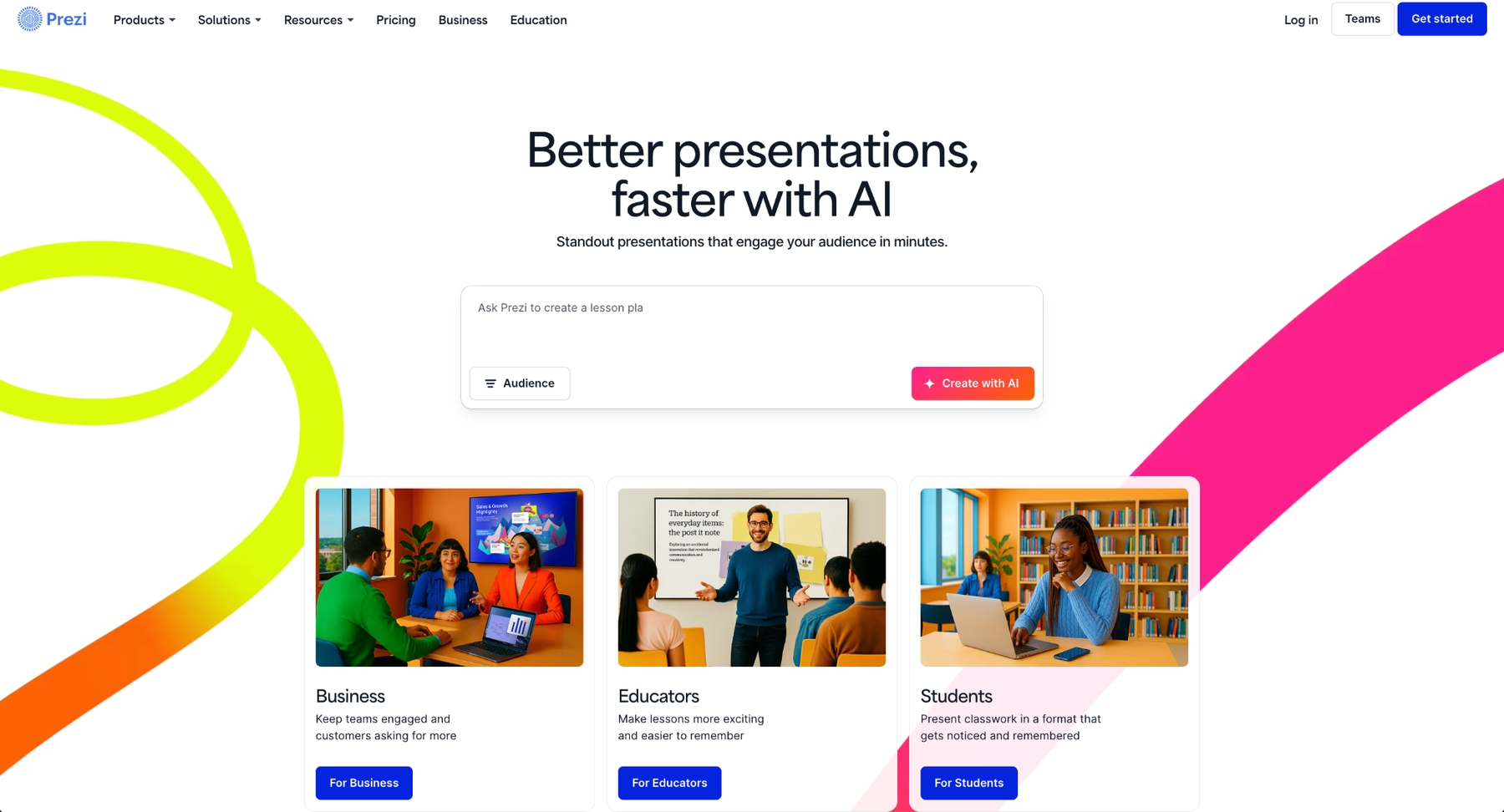
Prezi offers a non-linear approach to presentations. Instead of traditional slides, content is arranged on a zoomable canvas. Presenters navigate spatially, zooming into topics and panning across a larger visual map. This format supports engaging presentations that stand out from standard slideshows.
Prezi works well for storytelling, educational content, and webinars where audience engagement matters. Its unique structure helps presenters maintain attention and create memorable experiences.
The platform supports cloud-based collaboration, analytics, and video integration. While Prezi does not offer the AI automation found in newer tools, its distinctive format makes it a strong choice for users who want to move beyond linear slide decks.
6. Visme
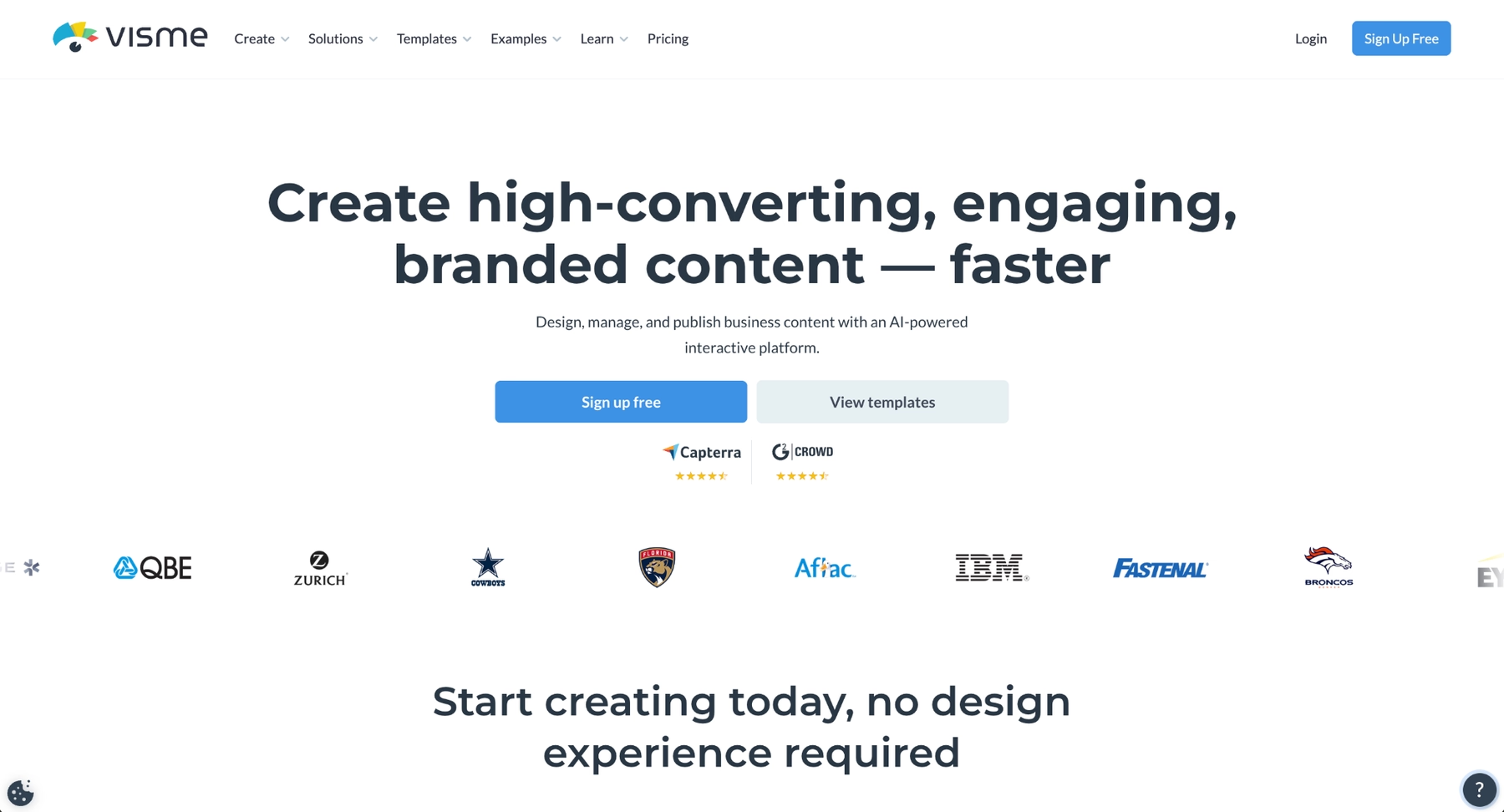
Visme is a content creation platform that supports presentations, infographics, reports, and interactive content. It includes a large library of customizable templates, icons, and design assets, along with tools for data visualization and multimedia embedding.
Visme's drag-and-drop editor makes it accessible to users without design backgrounds. The platform supports animations, interactive elements, and embedding from external sources. Teams use Visme for pitch decks, training materials, and internal communications where visual polish matters.
While Visme does not center on AI-powered automation, it offers robust design tools and flexibility. Its pricing includes free and paid tiers, making it accessible to small businesses and larger organizations alike.
7. Pitch
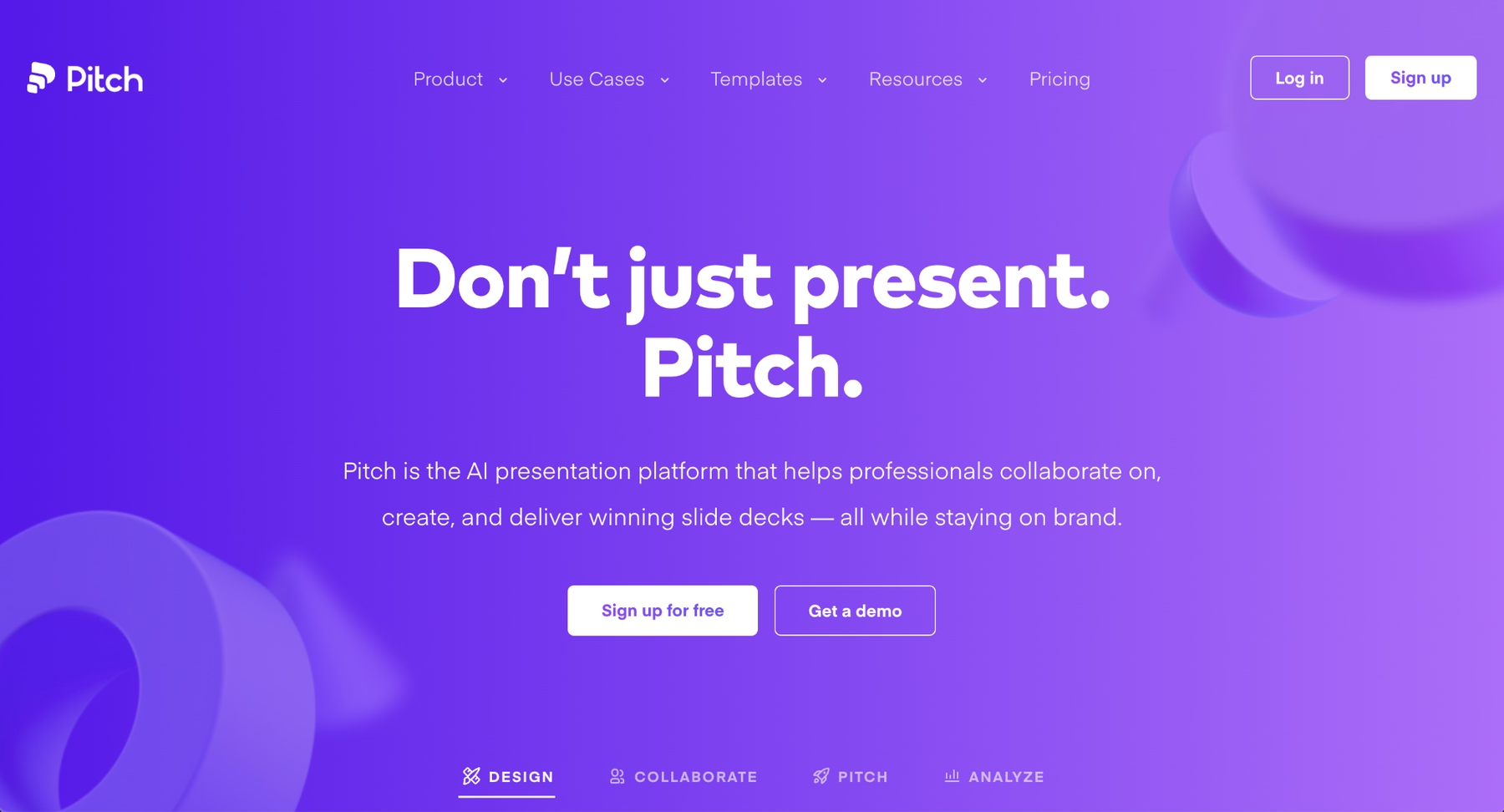
Pitch is modern presentation software designed for collaborative teams. It emphasizes beautiful templates, consistent branding, and seamless teamwork. Real-time collaboration, commenting, and version history make it easy for team members to work together on presentations.
Pitch integrates with analytics tools, video conferencing platforms, and productivity software, supporting workflows that span multiple systems. Its clean interface and design-forward approach appeal to startups and creative teams.
The platform does not offer the same depth of AI features as some alternatives, but its focus on collaboration tools and design quality makes it a strong choice for teams that prioritize visual consistency and streamlined teamwork.
8. Mentimeter

Mentimeter specializes in interactive presentations. It enables presenters to embed quizzes, polls, word clouds, and Q&A sessions directly into their slides. This focus on audience engagement makes it valuable for webinars, training sessions, and live events.
The platform supports real-time responses, displaying results as participants submit answers. Mentimeter integrates with video conferencing tools, making it useful for remote presentations.
While Mentimeter is not a full replacement for traditional presentation software, it excels at creating interactive presentations that drive participation. Teams often use it alongside other tools like Google Slides or PowerPoint to add engagement features.
9. Plus AI
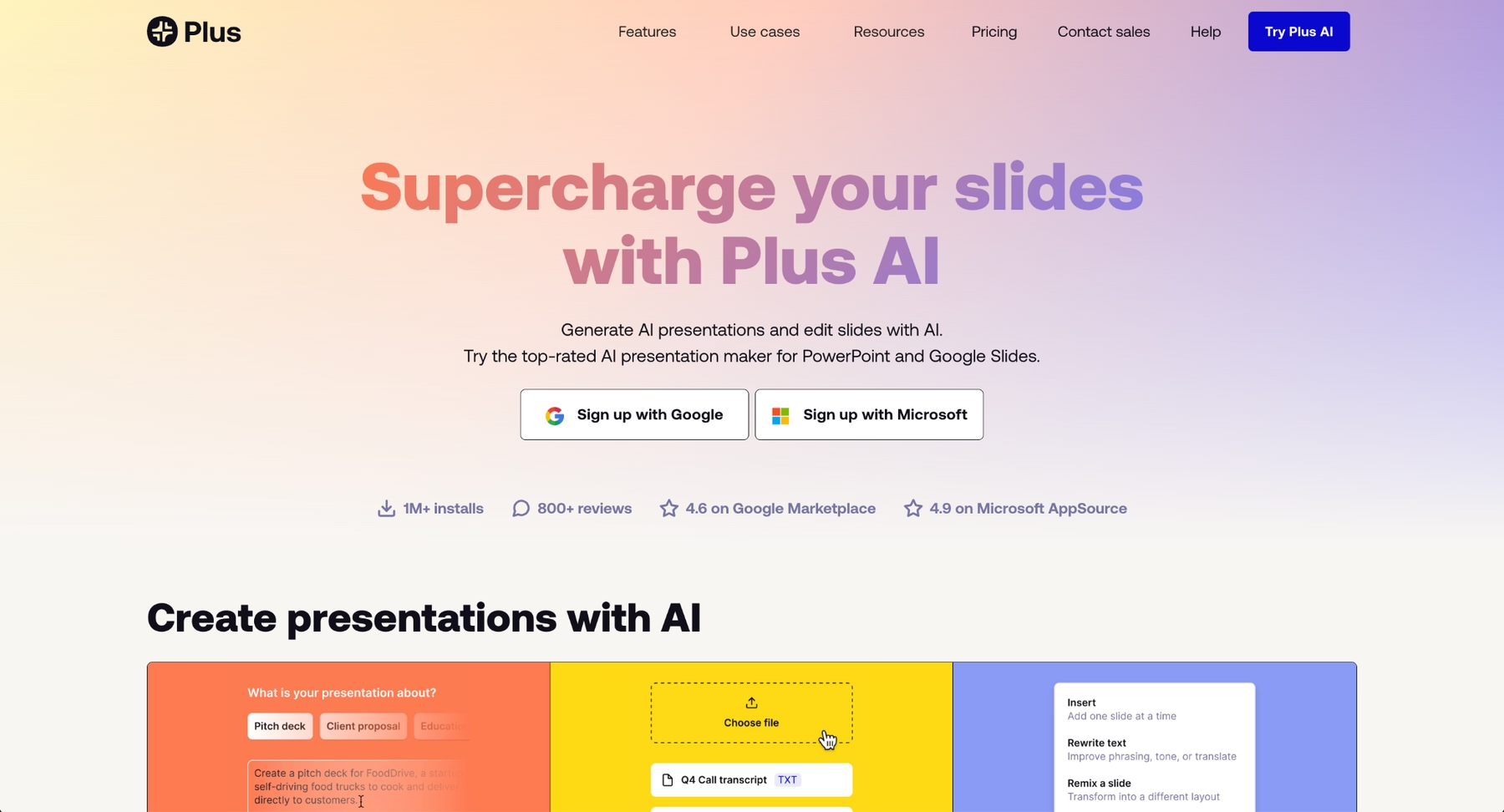
Plus AI is a Google Slides add-on that brings AI-powered presentation creation directly into Google Slides. Rather than switching platforms, users can generate slides, refine content, and create images without leaving their familiar Google Slides environment.
The platform's key strength is its deep integration with Google Slides. Users can upload documents (PDF, DOCX, or images), input text prompts, or reference existing Google Docs and Sheets to generate presentation content automatically. Plus AI also supports live data snapshots, so slides can pull real-time information from external sources and update automatically.
For teams heavily invested in Google Workspace who want AI-assisted capabilities without adopting a new platform, Plus AI offers a pragmatic upgrade. It preserves the collaboration features Google Slides users rely on while adding modern AI assistance for content generation and slide creation. Multi-language support makes it valuable for global teams.
Key comparison criteria
When evaluating Google Slides alternatives, several factors help determine which platform fits specific professional needs. These criteria ensure the chosen tool supports your workflow, collaboration requirements, and design expectations.
AI features
AI capabilities have become a major differentiator among presentation tools. Features like content generation, automatic layouts, and smart formatting help users create compelling presentations faster.
Platforms like Beautiful.ai and Microsoft PowerPoint with Copilot lead in automation. They apply AI to handle design decisions, suggest content improvements, and accelerate the creation process. Canva and other tools offer AI-assisted features, though the depth varies. Users seeking to streamline their workflow should evaluate how much AI support each platform provides.
Ease of use
User experience affects how quickly teams can adopt a new tool. A clear interface, intuitive navigation, and a manageable learning curve contribute to overall ease of use.
Google Slides is known for simplicity, so alternatives should match or exceed that accessibility. Drag-and-drop editors, smart templates, and guided workflows reduce friction. Tools like Canva and Beautiful.ai prioritize user-friendly design, helping teams move from brainstorm to finished presentation without extensive training.
Design quality and templates
The visual quality of a presentation shapes how audiences perceive the content. This criterion covers template variety, customizable templates, fonts, layouts, and overall polish.
Beautiful.ai and Pitch stand out for design consistency. Visme and Canva offer extensive template libraries. Keynote provides refined aesthetics within the Apple ecosystem. Teams building pitch decks or client-facing materials benefit from platforms that emphasize high-quality design without requiring manual effort.
Collaboration
Real-time collaboration is essential for modern teams. This includes simultaneous editing, commenting, sharing presentations, and version tracking.
Google Slides excels here, so alternatives must offer comparable or superior functionality. Pitch, Beautiful.ai, and Zoho Show all support real-time collaboration and integrate with broader workspace tools. Collaboration tools matter for distributed teams, client reviews, and any workflow involving multiple contributors.
Export and integrations
Export flexibility ensures presentations work across platforms. Support for PPT, PDF, and web formats provides compatibility with Microsoft PowerPoint, Google Drive, and other systems.
Integrations with tools like Google Workspace, video conferencing platforms, and whiteboard applications extend functionality. Teams should evaluate whether each platform connects with their existing tech stack and supports seamless sharing across devices running Windows, Mac, iOS, or Android.
Pricing
Pricing structures vary across platforms. Some offer robust free tiers, while others require paid plans for advanced features or team access.
Google Slides is free within Google Workspace, setting a high bar for cost-conscious users. Alternatives like Zoho Show and Canva offer free options, while Beautiful.ai, Pitch, and Microsoft PowerPoint operate on subscription models. Organizations should assess whether the features included in each pricing tier justify the cost for their specific needs.
Quick comparison snapshots
These head-to-head summaries highlight practical differences between Google Slides and key alternatives, helping clarify which platform fits specific use cases.
Beautiful.ai vs Google Slides
Beautiful.ai and Google Slides both support cloud-based collaboration, but their design philosophies differ significantly. Google Slides requires manual formatting and offers basic templates, while Beautiful.ai automates design decisions through its Smart Slide engine.
For teams that want stunning presentations without spending time on layout adjustments, Beautiful.ai offers a clear advantage. Its AI-powered automation handles fonts, spacing, and visual consistency automatically. Google Slides remains a strong choice for users who prioritize simplicity and cost, but Beautiful.ai delivers superior design quality with less effort.
Microsoft PowerPoint vs Google Slides
Microsoft PowerPoint offers deeper functionality than Google Slides, including advanced animations, transitions, and data visualization through Excel integration. PowerPoint's desktop application provides granular control that the browser-based Google Slides cannot match.
With Microsoft Copilot, PowerPoint now includes AI-powered features that rival newer presentation tools. Google Slides remains more accessible for quick, collaborative work, but PowerPoint suits teams that need complex presentations, offline access, or enterprise-level integrations.
Gamma vs Google Slides
Gamma and Google Slides represent different philosophies. Google Slides prioritizes accessibility and seamless collaboration within the Google ecosystem, with straightforward slide-based editing. Gamma prioritizes speed and AI-driven automation, using a modern card-based interface and generating presentations from text prompts in minutes.
For users who want to stay within Google Workspace and value simplicity, Google Slides remains the natural choice. For teams seeking rapid presentation creation with modern design aesthetics and deep AI assistance, Gamma offers a compelling alternative. Google Slides works best for ongoing collaboration and iterative refinement, while Gamma excels at producing first drafts and polished presentations at speed.
Conclusion
The market offers many strong Google Slides alternatives, each with distinct strengths. When evaluating options, consider AI features, ease of use, design quality, collaboration tools, integration capabilities, and pricing. These criteria help identify the platform that best supports your workflow.
Whether your priority is automation, visual polish, audience engagement, or cost-effectiveness, there is a presentation tool that fits your needs. Beautiful.ai stands out for teams that want professional design without manual effort. Microsoft PowerPoint suits users who need deep functionality and enterprise compatibility. Canva and Visme offer versatility for broader content creation. Prezi and Mentimeter excel at engaging presentations and interactive elements.
By aligning your specific requirements with the strengths of these platforms, you can move beyond the limitations of Google Slides and build compelling presentations that communicate your ideas with clarity and impact.
Why customers are switching to Beautiful.ai
Beautiful.ai is an AI-powered presentation platform that helps teams create polished, on-brand slides in a fraction of the time, without design skills or manual formatting.
- Design automation built in. Whether you're building pitch decks, reports, or internal presentations, Beautiful.ai’s Smart Slides automatically format content so you never worry about spacing, alignment, or layout again. Add your content, and the design adjusts instantly.
- ️No design experience required. Create professional decks without touching text boxes or manually arranging elements. Choose from Smart Templates and let the AI handle layout decisions, visual hierarchy, and consistency across the entire deck.
- Branding? Already handled. Keep every slide on-brand with your fonts, colors, and logos applied automatically. Beautiful.ai ensures every team member creates presentations that look like they came from a dedicated design team—without extra work.
- Real-time collaboration & team controls. Collaborate directly on the same deck, leave comments, manage permissions, and maintain consistency across team presentations. Perfect for growing teams and cross-functional workflows.
- Faster workflows, fewer revisions. Jump from rough outline to polished presentation in minutes, not hours. Beautiful.ai reduces back-and-forth edits by enforcing on-brand design rules and helping you iterate faster with AI-assisted slide creation.
