


Best Visme alternatives: top 9 in 2026
![Visme alternatives: the top 9 [updated for 2026]](https://cdn.prod.website-files.com/59e16042ec229e00016d3a66/696ae6c9b646a7a21936f4ca_696ae45666a88a8e4e2477d2_beautiful%2520ai%2520vs%2520Visme%2520(2).avif)

Best Visme alternatives: top 9 in 2026
Looking for a Visme alternative? Whether you need smarter AI layout tools, faster workflows, better pricing, or specialized features for presentations or infographics, several platforms offer different strengths worth exploring. This guide breaks down the top 9 alternatives to help you match the right tool to your team's specific content creation needs.
What is Visme?
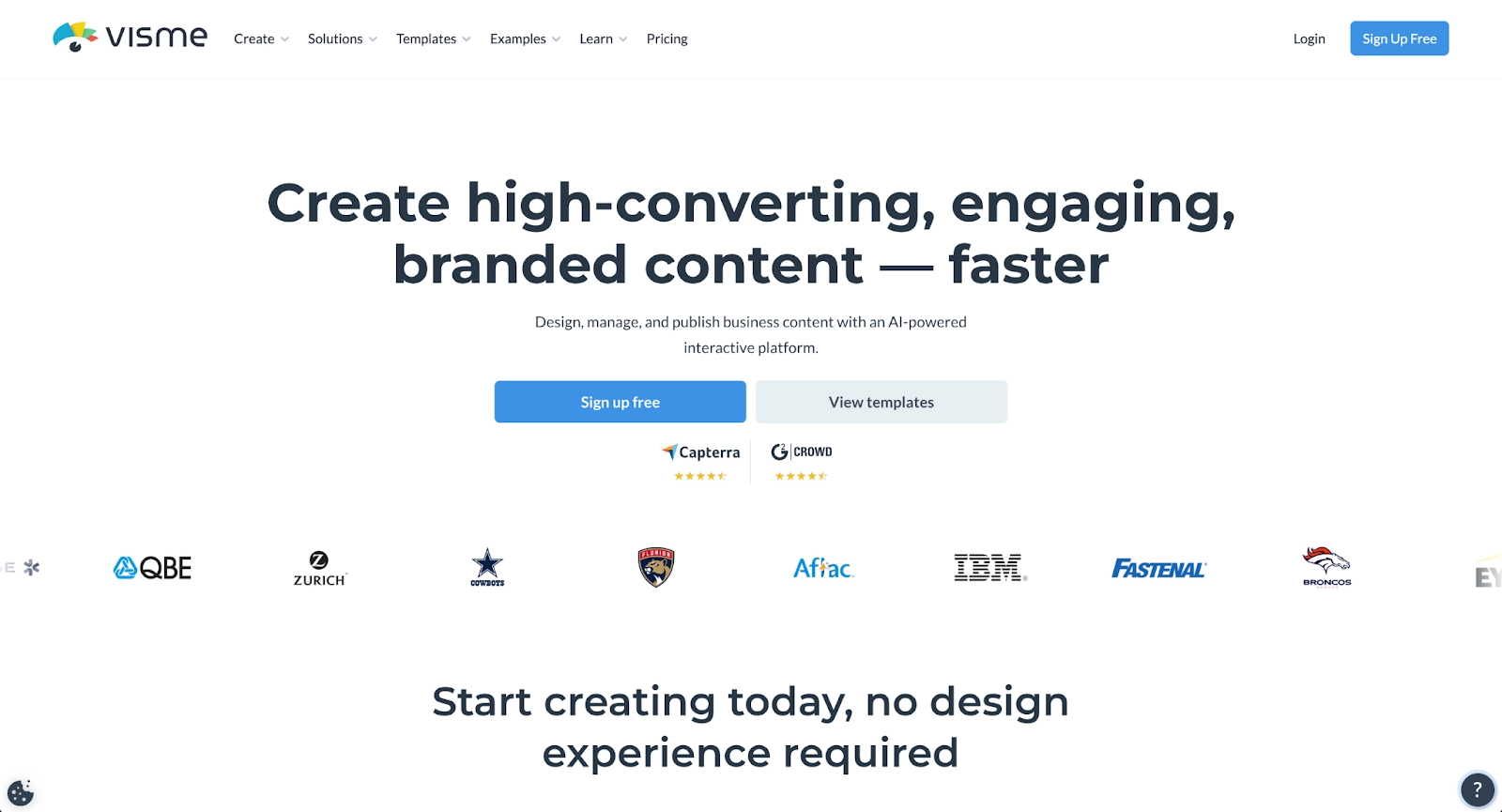
Visme is a web-based design platform combining presentation creation, infographic work, data visualization, and social media graphics in one workspace. Built for marketers, educators, content creators, and small businesses, it positions itself as an all-in-one visual content solution where teams can produce everything from pitch decks to animated posts without switching applications.
The platform offers a drag-and-drop editor with thousands of templates and built-in charting tools that let non-designers produce polished graphics. Visme also includes brand kit functionality, allowing teams to store logos, fonts, and color palettes to maintain brand consistency.
With its breadth of use cases and template options, Visme has attracted users who want flexibility across multiple content types. But that same breadth raises questions about depth. Teams focused specifically on presentations, infographic publishing, or graphic design often compare Visme to more specialized design software to find the best workflow fit.
Over 70% of organizations now have AI in production, driving rapid evolution in content creation tools. For teams already using Photoshop or Illustrator alongside general design needs, Visme serves as an accessible complement for quick content creation without the learning curve of full-featured software.
Why look for Visme alternatives?
Visme works well for many teams, but no single platform fits every workflow. As your content needs evolve or your team grows, you may find yourself bumping against limitations that slow you down or add friction to your process. Searching for the best Visme alternatives usually comes down to a few recurring pain points:
- Feature depth vs. breadth. Visme covers a lot of ground, but teams needing specific capabilities (like AI design or detailed charting) may find dedicated tools more powerful.
- Pricing and plan limitations. Visme's free plan restricts downloads, storage, and premium template access. Plans scale based on team size, which can become expensive for growing organizations. Some alternatives offer more generous free tiers or different pricing structures.
- Workflow and learning curve. The interface is friendly for basic projects, but the sheer number of options can slow down users who only need one type of output. A focused design tool often streamlines the workflow better than a generalist platform.
- Export and integration needs. Teams working within specific ecosystems or creating social posts alongside presentations sometimes need tighter integrations or more export formats than Visme provides.
- Design control and templates. While Visme's template selection is extensive, design preferences vary. Some users want more customization; others want less, preferring AI-powered systems that handle layouts automatically.
These factors make the comparison worthwhile. The right alternative depends on what you're trying to build and how your team actually works.
Top 9 Visme alternatives
Each design tool below approaches visual content creation differently. Some prioritize AI-powered layout automation, others focus on graphic design versatility, and a few specialize in presentations or infographics alone. The best choice depends on your team's primary use cases and the tradeoffs you're willing to accept.
1. Beautiful.ai

Beautiful.ai is a presentation platform built around automated design and AI-powered content generation. The platform combines two distinct capabilities: Smart Slides for layout automation, and AI features for creating initial drafts from prompts. Beautiful.ai also integrates with Slack and exports to PowerPoint for downstream work. Teams can centralize brand assets to maintain consistency across all presentations.
Smart Slides are the core design engine. Each Smart Slide layout contains built-in design logic that automatically repositions text, images, and charts as you add content—no AI involved, just smart automation rules. This structured approach eliminates inconsistent formatting and keeps presentations polished without manual adjustment.
AI features complement Smart Slides by generating content. Enter a prompt with optional context, and the AI creates an entire presentation draft built with Smart Slide layouts. This combination lets you move from idea to editable deck quickly—AI handles the blank page problem, Smart Slides handle the formatting.
Collaboration features support team editing with version history. Beautiful.ai integrates with Slack and exports to PowerPoint for downstream work.
Where Visme offers broad design control across multiple content types, Beautiful.ai trades that flexibility for presentation-focused speed. If polished slide decks are your primary output and you want automated layout consistency, the approach fits well.
2. Gamma
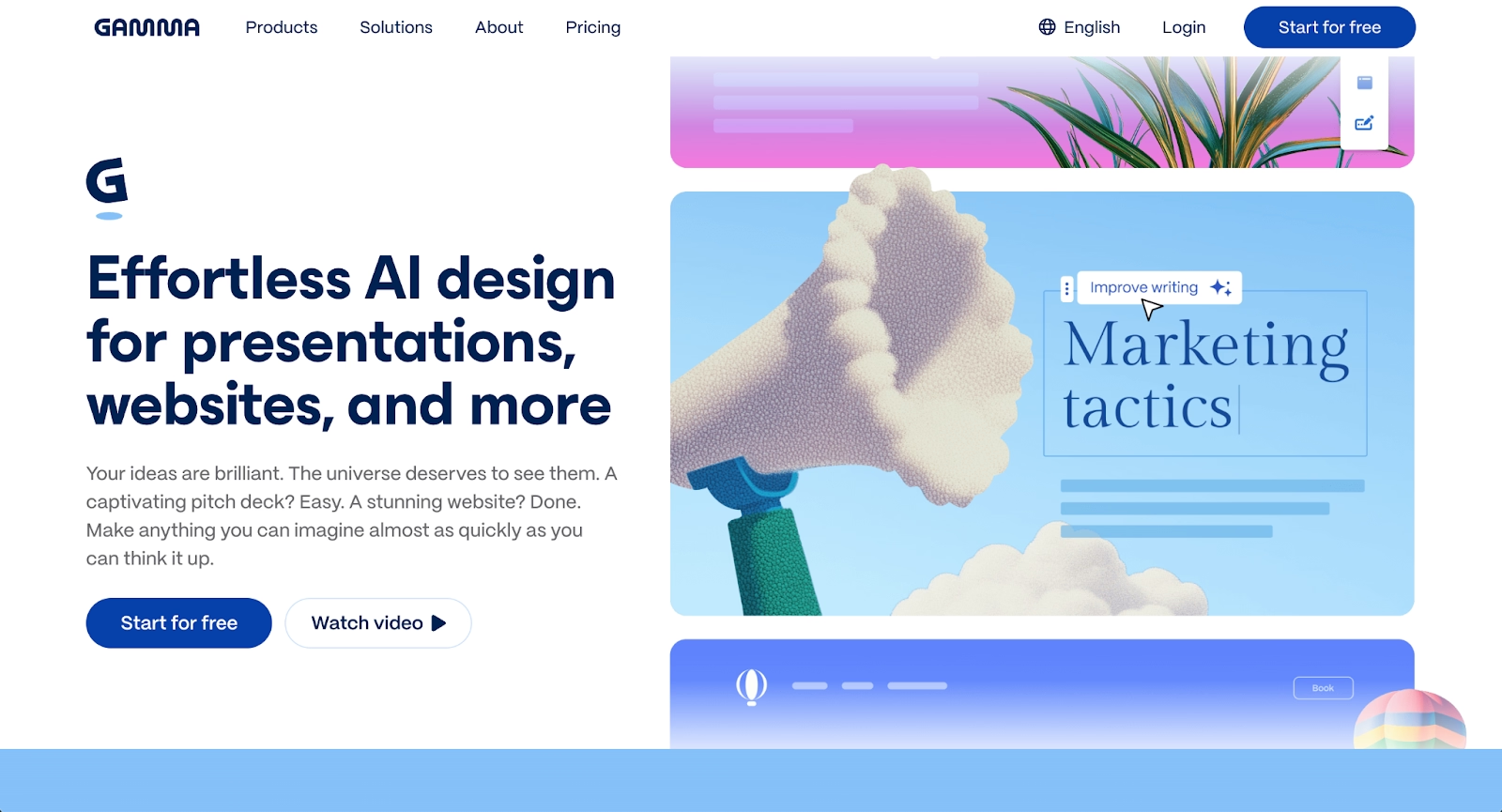
Gamma treats presentations as interactive, web-native content rather than traditional slides. The platform generates card-based layouts from prompts, outlines, or uploaded documents, creating presentations that work seamlessly across devices and browsers like modern web pages.
Advanced settings control tone, target audience, image style, and text density before generation. The AI maintains visual coherence automatically—generated images match theme colors, and layouts preserve consistent spacing without manual formatting. A built-in AI agent accepts natural language commands for quick edits.
Gamma excels at speed and web-first delivery. Export options include PowerPoint, PDF, and Google Slides, but the platform optimizes for link sharing with built-in analytics to track viewer engagement.
Compared to Visme, Gamma sacrifices breadth for presentation-specific depth. Where Visme offers infographics, social graphics, and diverse content types, Gamma focuses entirely on presentations with AI-powered narrative structure. If generation speed matters more than multi-format flexibility, Gamma's workflow delivers faster results.
Templates emphasize pitch deck structures with professionally designed templates that adapt to your content automatically.
3. Pitch
Pitch specializes in real-time collaboration presentation workflows built for teams moving fast. The platform enables simultaneous editing, and multiple members work on the same deck in real time, with changes appearing instantly and comments handled in-line.
AI capabilities accelerate initial builds. "Instant Deck" generates structured outlines from prompts, while AI actions rewrite headlines or tidy layouts in seconds. Templates emphasize pitch deck structures used by funded startups, providing proven frameworks.
Shared presentation links update automatically. Change slide five tomorrow, and viewers will see updates instantly without re-sending files. Analytics reveal who opened your deck, time spent per slide, and where interest dropped—turning presentations into intelligence tools.
Pitch differs from Visme in focus. Where Visme handles infographics, social graphics, and broad design tasks, Pitch concentrates on presentations and team collaboration. Editing requires an internet connection, and PowerPoint exports sometimes need adjustments. For teams prioritizing speed and collaborative iteration over multi-format versatility, Pitch streamlines the workflow.
4. Prezi
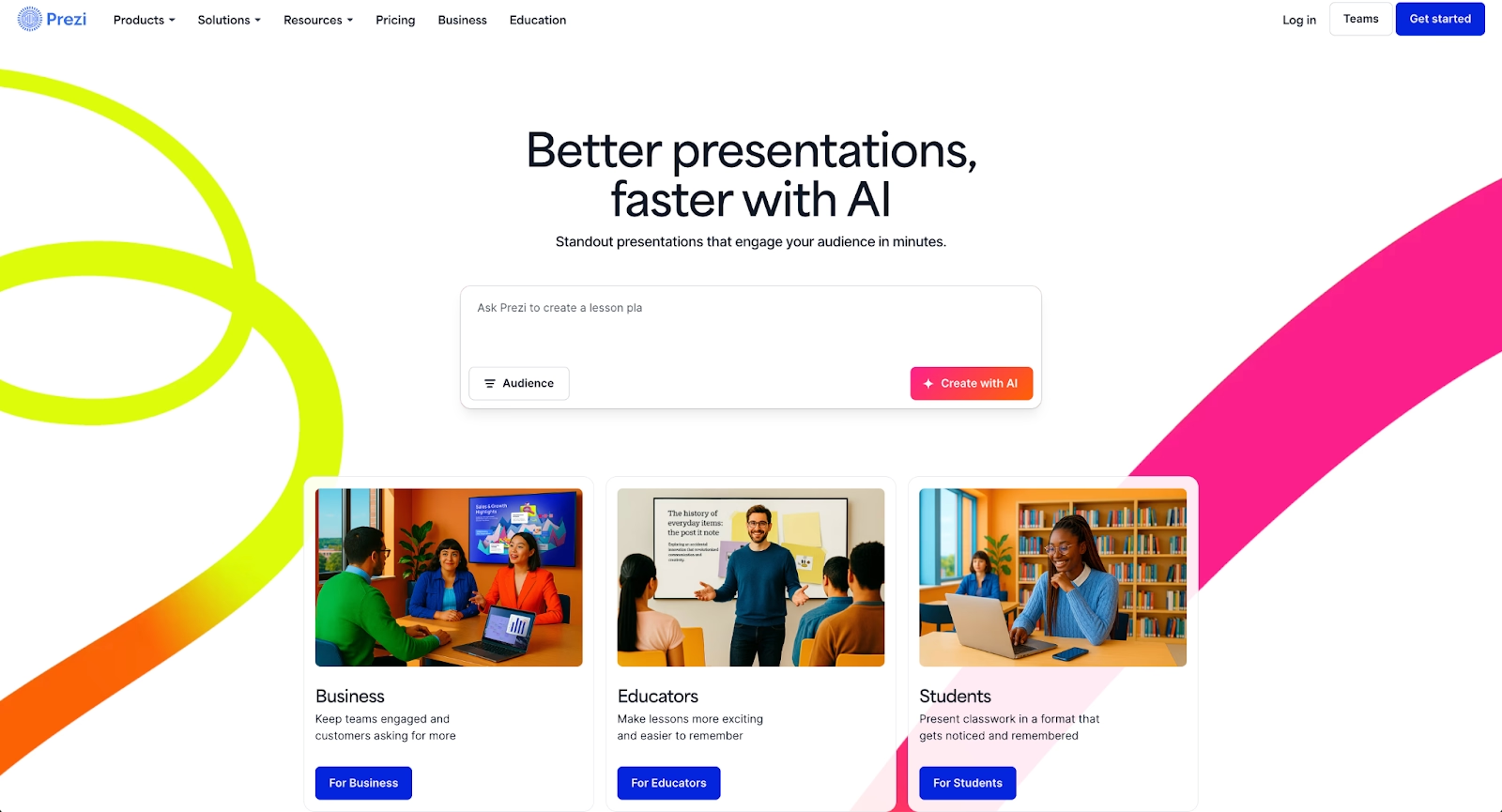
Prezi built its reputation on non-linear, zoomable presentations that feel more like visual conversations than traditional slide decks. Instead of clicking through sequential slides, presenters navigate a single canvas with nested topics and zooming transitions.
This approach works well for storytelling, educational content, and presentations where engagement matters more than rigid structure. Prezi Video extends this by layering content over your webcam feed during video calls, making remote presentations more dynamic.
The learning curve is steeper than traditional presentation software, and the motion-heavy style with animations and zooming effects isn't right for every audience. But for content creators and educators looking to break away from standard slide formats, it offers something genuinely different.
Visme and Prezi occupy different spaces. Visme is about creating diverse visuals from existing templates. Prezi is about rethinking how presentations work structurally. The choice depends on whether you want breadth or a distinctive presentation style.
5. Slidebean
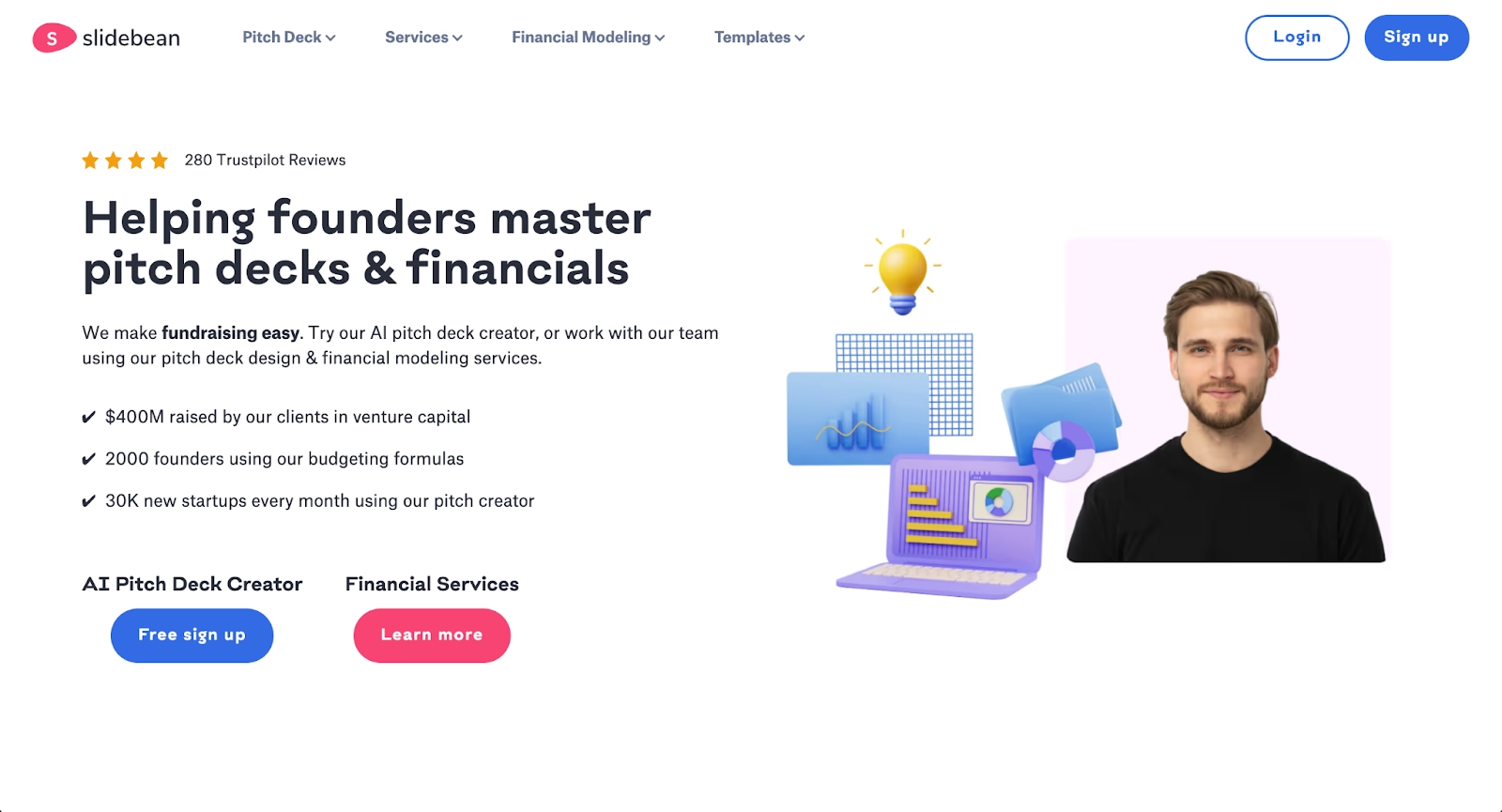
Slidebean builds presentations specifically for startup fundraising workflows. The platform emphasizes structured formats that follow proven investor pitch patterns, guiding founders through problem, solution, traction, and financial slides automatically.
The AI separates content from design, users input information and Slidebean structures slides based on narrative flow while keeping outputs on-brand through automatic formatting. Templates focus on pitch deck essentials: market size, traction graphs, financial projections. Professional services extend beyond software into pitch deck writing and design assistance.
Analytics track viewer behavior, showing which slides investors opened, dwell time, and sharing patterns. This feedback loop helps refine presentations before critical meetings.
Slidebean differs from Visme in specialization. Where Visme offers infographics, social graphics, and broad content creation with manual control, Slidebean focuses exclusively on fundraising decks with automated formatting. Teams needing presentations outside fundraising—marketing materials, reports, training content—will find the approach limiting. For founders building investor presentations, the focused workflow eliminates distractions and enforces investor-friendly structure.
6. Decktopus
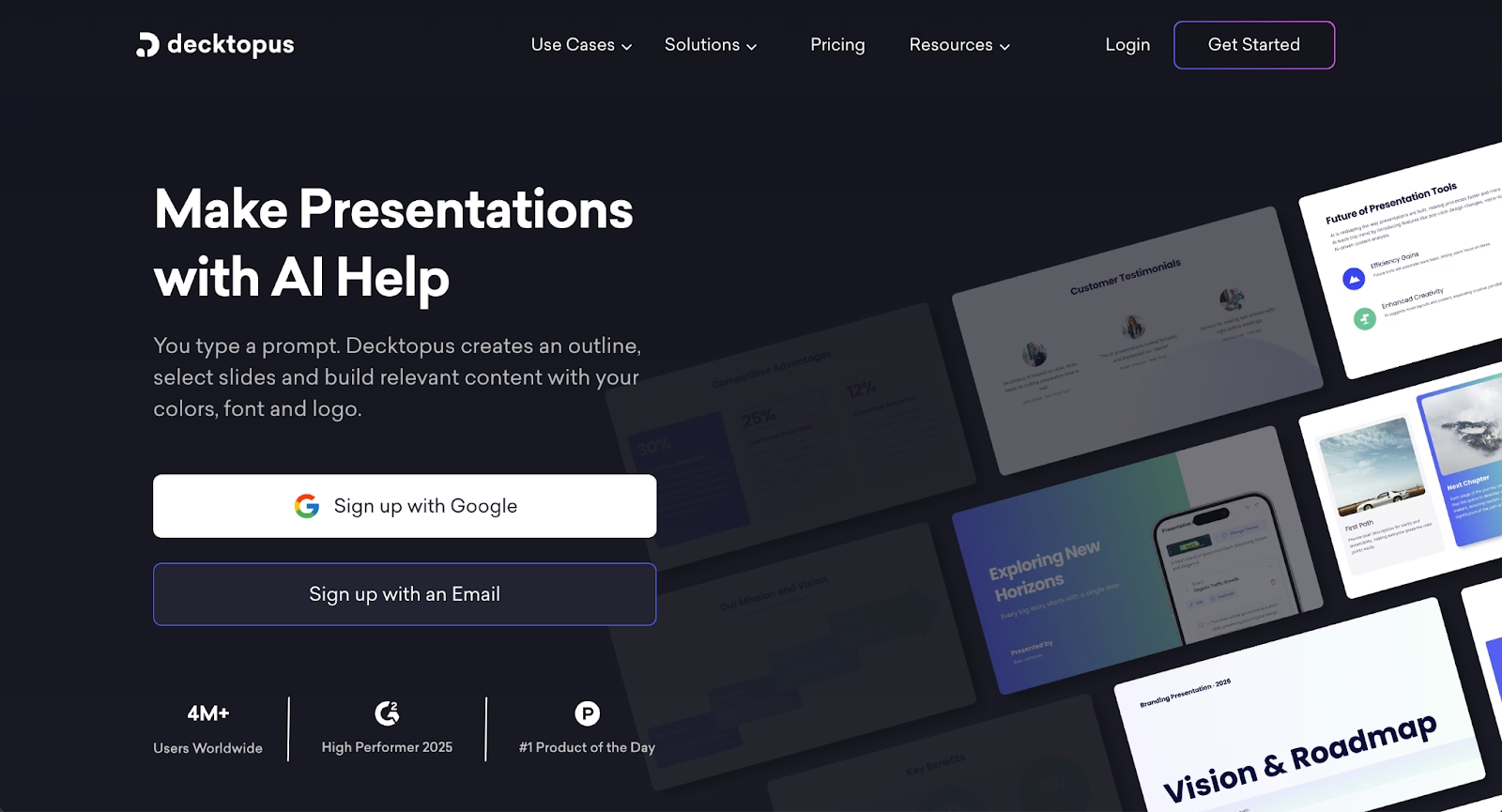
Decktopus generates presentations through guided automation designed for speed. The platform uses a step-by-step wizard that creates complete decks from prompts in minutes, prioritizing rapid output over design flexibility.
AI handles content generation, layout selection, and image creation simultaneously. Input your topic and Decktopus populates slides automatically with AI-generated images tailored to your content. Auto-branding applies logos, colors, and fonts instantly.
The interface uses pre-defined slide blocks that eliminate design decisions. The regenerate function explores different visual treatments with one click. Exports include PowerPoint and PDF, though some users report files contain images rather than fully editable text.
Decktopus differs from Visme in control philosophy. Where Visme provides design flexibility across content types with manual editing, Decktopus focuses on presentations with rigid layouts that prioritize speed. The block-based system ensures polish but restricts repositioning elements. For users valuing speed over customization, Decktopus delivers finished decks faster than manual processes allow.
7. Presentations.ai
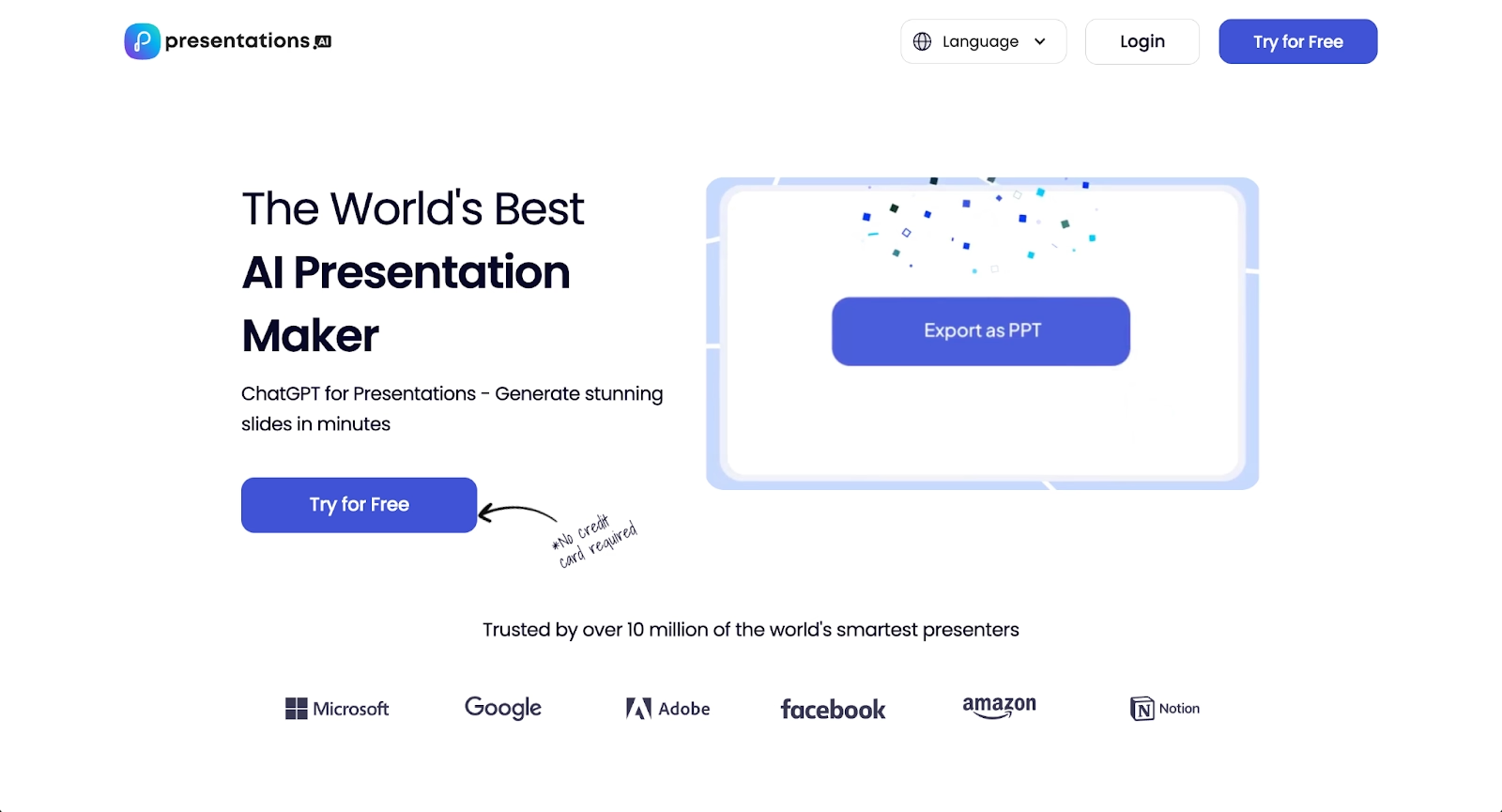
Presentations.ai uses conversational AI to generate presentations from prompts, documents, or outlines. The platform positions itself as a ChatGPT-like interface for slide creation, where you describe what you need and the system builds structured decks automatically.
The "Brand Sync" feature applies logos, colors, and fonts consistently across slides, learning style preferences over time. Templates adapt automatically as content changes, maintaining design integrity without manual adjustments. The platform exports to PowerPoint format for downstream editing.
AI handles research, content generation, and visual selection. Input a topic, and Presentations.ai structures narratives, suggests layouts, and populates slides with relevant information. Collaboration features support team editing and feedback workflows.
Presentations.ai differs from Visme in automation philosophy. Where Visme offers hands-on design control across multiple content formats, Presentations.ai focuses on AI-driven presentation generation with minimal manual intervention. For users wanting conversational creation over detailed customization, the prompt-based approach accelerates initial drafts.
8. Google Slides
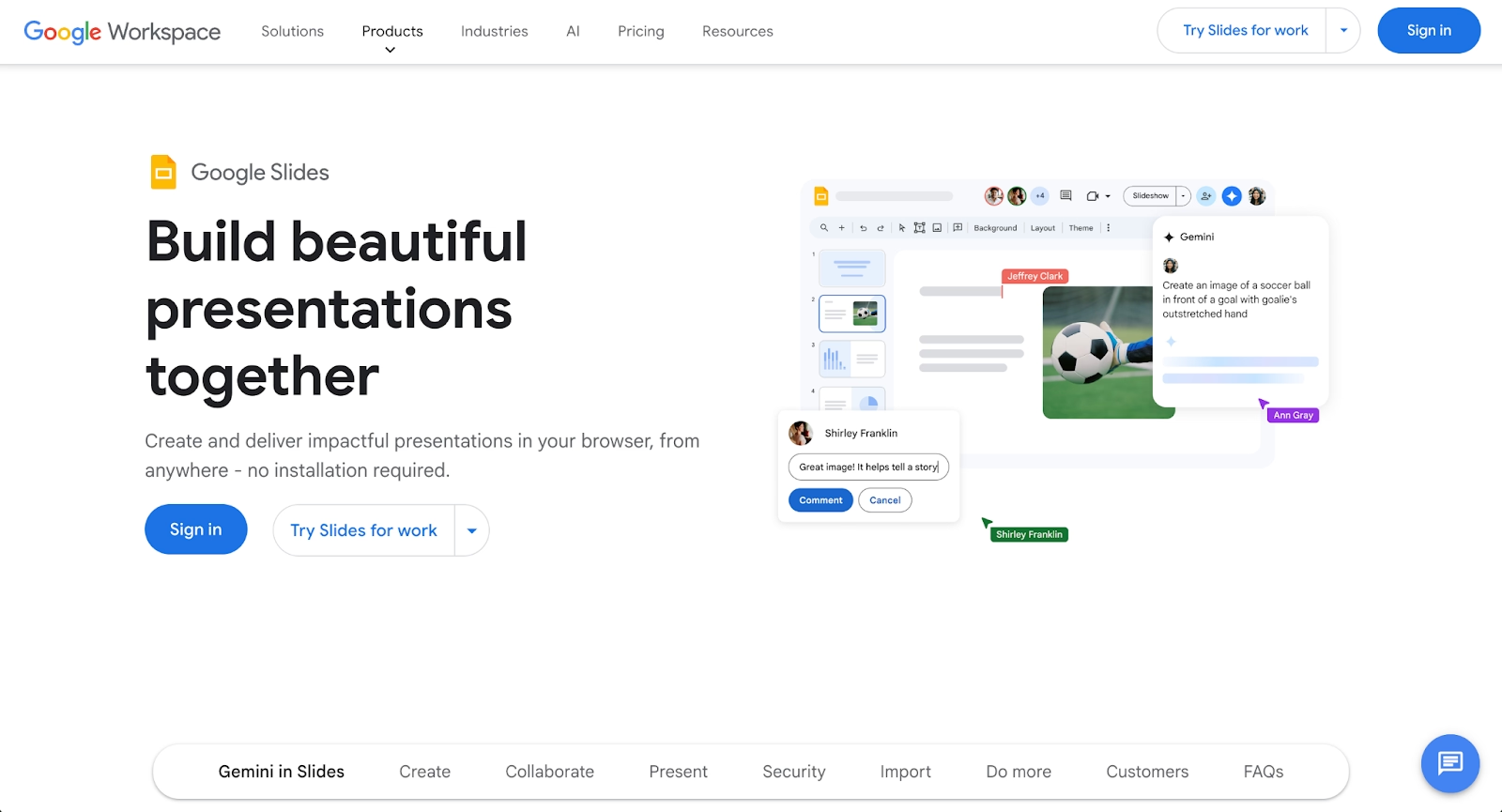
Google Slides is the default free presentation tool for anyone in the Google Workspace ecosystem. It's not trying to compete on design features or template variety. Instead, it wins on accessibility, collaboration, and integration.
Multiple team members can edit simultaneously, leave comments, and track changes. Since everything lives in Google Drive, sharing and access control are straightforward. Presentations can be exported to PowerPoint or PDF easily.
The template selection is basic compared to specialized platforms, and AI design features are minimal. But for teams that prioritize collaboration over design polish, or that need to work within strict IT environments, it often makes the most practical sense.
Google Slides is less a competitor and more a baseline. Teams often use it alongside more specialized tools, exporting final presentations from other platforms into Slides for team editing.
9. PowerPoint
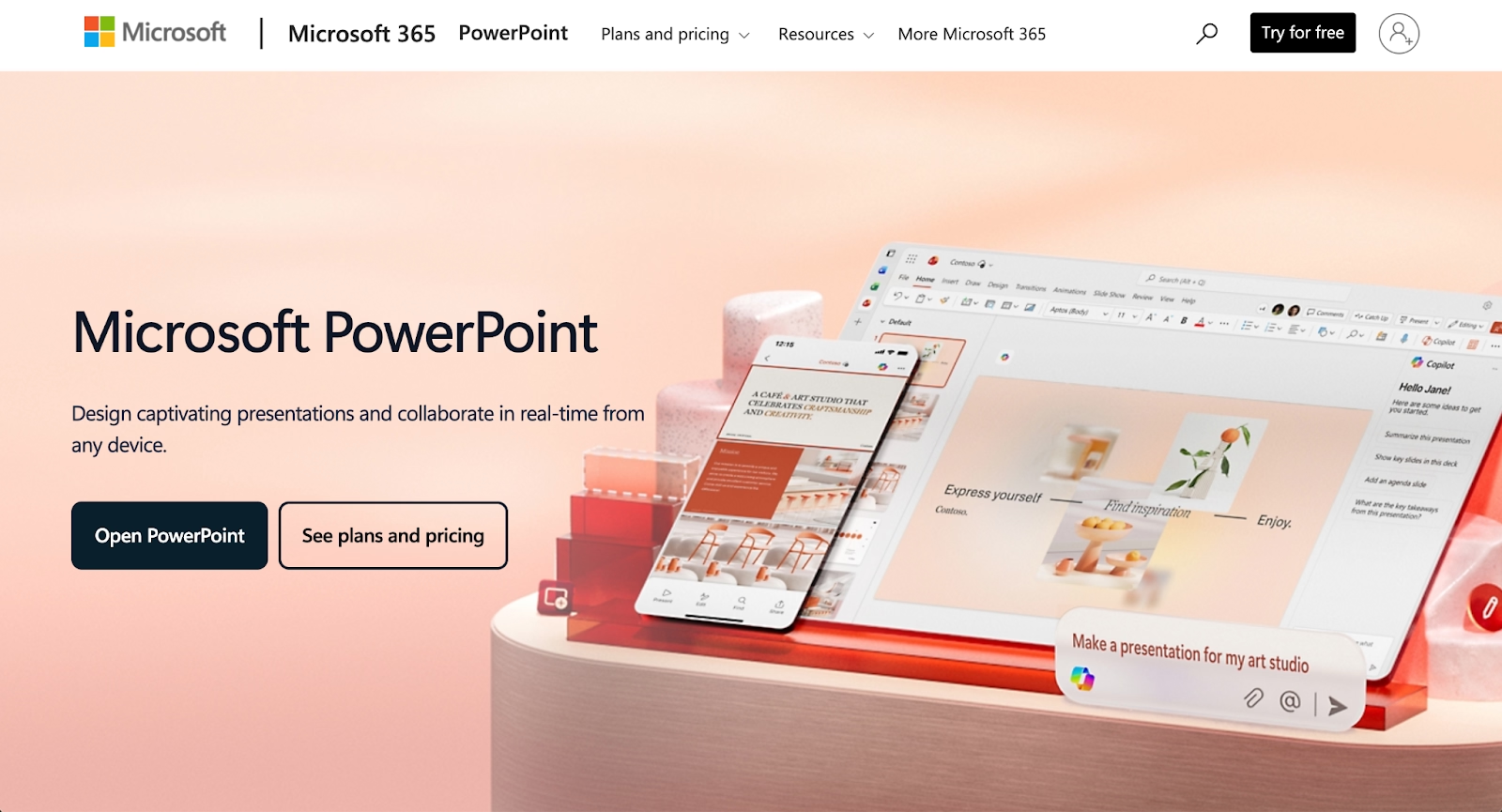
PowerPoint remains the standard for business presentations globally. Microsoft has added AI tools like Designer (which suggests layouts automatically) and integrated Copilot for content generation, narrowing the gap with newer platforms.
The template library has improved, and integration with Microsoft 365 makes it seamless for enterprise teams. Advanced options for animations, transitions, and slide masters give experienced users significant control.
The tradeoff is complexity. PowerPoint can do almost anything, but achieving polished results requires more effort than layout-focused tools. Users sometimes struggle to produce clean presentations without leaning on existing templates heavily.
It overlaps with Visme mainly in presentations. For organizations already standardized on Microsoft 365, familiarity and integration often outweigh the benefits of adopting a separate platform.
Key comparison criteria
Choosing between these tools requires weighing several factors against your team's specific workflow and priorities.
AI features
AI capabilities vary significantly. Beautiful.ai handles layout decisions in real time, making design nearly hands-off. Other platforms include image generation and background removal as AI tools. Visme offers some AI-assisted suggestions but focuses more on manual control. For teams wanting layout help to reduce design effort, Beautiful.ai leads; for teams wanting AI as an enhancement rather than the foundation, other options may suffice.
Ease of use
Some platforms set the bar for user-friendly interfaces. Google Slides and PowerPoint are familiar to most users. Beautiful.ai's smart system means less to learn since the software handles design decisions. Visme and similar tools have moderate learning curves: intuitive for basic tasks but deeper for advanced work. Prezi requires the most adjustment since its non-linear structure is fundamentally different. Teams should prioritize tools where getting started is fast.
Design quality and templates
Template quality matters for polished outputs. Some libraries are enormous but vary in quality. Business-oriented template collections serve professional needs well. Beautiful.ai's templates are tied to its Smart Slide system, ensuring consistency. Adobe designs benefit from Adobe's heritage. Teams should evaluate whether they need volume, specialization, or consistency in their template workflow.
Collaboration
Real-time collaboration is essential for modern teams. This includes simultaneous editing, commenting tools, version history, and clear document management for distributed groups. Effective collaboration practices matter more than location, making the right tools critical for team productivity.
Platforms like Beautiful.ai, Google Slides, Pitch, and Zoho Show excel in collaboration due to their seamless integration with shared workspace environments.
Export and integrations
Export formats and integrations affect how well tools fit existing processes. Google Slides and PowerPoint integrate natively with their respective ecosystems. Beautiful.ai exports to PowerPoint and PDF for downstream editing. Many platforms support numerous formats and integrate with social media scheduling tools. Teams with specific publishing workflows or integration needs should verify compatibility before committing. Integrations with tools like Figma, analytics platforms, chat-based assistants such as ChatGPT, API connections, and CRM systems help unify a broader tech stack.
Pricing
Pricing structures differ widely. Some platforms offer robust free plans. Others have free tiers with limitations on downloads and premium template access. Paid plans unlock full functionality with pricing ranging from $7/month to $50/month per user, depending on advanced features. For budget-conscious teams or individuals, free plan quality matters; for businesses, paid plan value relative to capabilities is the real comparison. Most platforms offer monthly and annual billing, with annual plans typically discounted 20-30%.
Quick comparison snapshots
These head-to-head summaries highlight practical differences for teams deciding between specific tools, whether the user is a beginner or at a master level.
Beautiful.ai vs Visme
Visme offers broad functionality across presentations, infographics, and social graphics with manual design control. Beautiful.ai focuses exclusively on presentations with AI-driven layout intelligence that handles formatting automatically. Choose Visme if you need flexibility across content types and prefer hands-on design. Choose Beautiful.ai if polished presentations are your primary output and you want to eliminate formatting work.
Gamma vs Visme
Gamma focuses on AI-powered presentation generation with card-based, web-native layouts and automated narrative structure. Visme offers broad design flexibility across presentations, infographics, and social graphics with manual editing control. For teams prioritizing speed and web-first delivery, Gamma's automated workflow delivers faster. For teams needing multi-format design versatility with hands-on control, Visme's breadth wins.
Pitch vs Visme
Pitch specializes in collaborative presentation workflows with real-time team editing and investor-focused templates. Visme covers presentations plus infographics, social graphics, and print materials with extensive customization options. For teams building pitch decks collaboratively under tight deadlines, Pitch's focused collaboration tools streamline the process. For teams creating diverse visual content beyond presentations, Visme's all-in-one approach offers more versatility.
Conclusion
The best Visme alternative depends entirely on what you're building and how your team works. Beautiful.ai fits teams that want AI to handle presentation design with smart templates and layout intelligence. Other platforms suit those who need broad design capability with minimal friction. Specialized tools serve teams focused on data visualization and infographic workflows. Prezi offers a distinctive presentation style for engagement-focused use cases. Adobe Express appeals to users already in the Adobe ecosystem. Brand-focused platforms solve consistency challenges at scale. Google Slides and PowerPoint remain practical defaults for teams prioritizing collaboration or enterprise integration.
Match your priorities to the platform. If speed and smart layouts matter most, lean toward AI-powered options with strong template libraries and resize capabilities for multi-platform delivery. If variety drives your decision, choose platforms with extensive template collections. If data-driven content is your primary output, specialized tools outperform generalists. Test the free versions where available, and let your actual workflow guide the final choice.
Why customers are switching to Beautiful.ai
Beautiful.ai is an AI-powered presentation platform that helps teams create polished, on-brand slides in a fraction of the time, without design skills or manual formatting.
- Design automation built in. Whether you're building pitch decks, reports, or internal presentations, Beautiful.ai’s Smart Slides automatically format content so you never worry about spacing, alignment, or layout again. Add your content, and the design adjusts instantly.
- ️No design experience required. Create professional decks without touching text boxes or manually arranging elements. Choose from Smart Templates and let the AI handle layout decisions, visual hierarchy, and consistency across the entire deck.
- Branding? Already handled. Keep every slide on-brand with your fonts, colors, and logos applied automatically. Beautiful.ai ensures every team member creates presentations that look like they came from a dedicated design team—without extra work.
- Real-time collaboration & team controls. Collaborate directly on the same deck, leave comments, manage permissions, and maintain consistency across team presentations. Perfect for growing teams and cross-functional workflows.
- Faster workflows, fewer revisions. Jump from rough outline to polished presentation in minutes, not hours. Beautiful.ai reduces back-and-forth edits by enforcing on-brand design rules and helping you iterate faster with AI-assisted slide creation.
